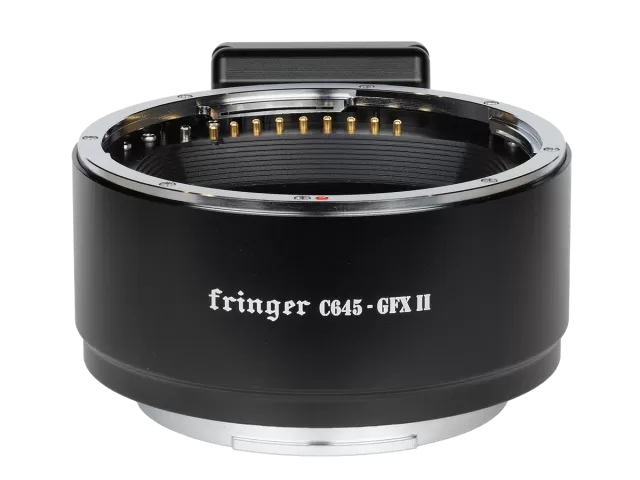
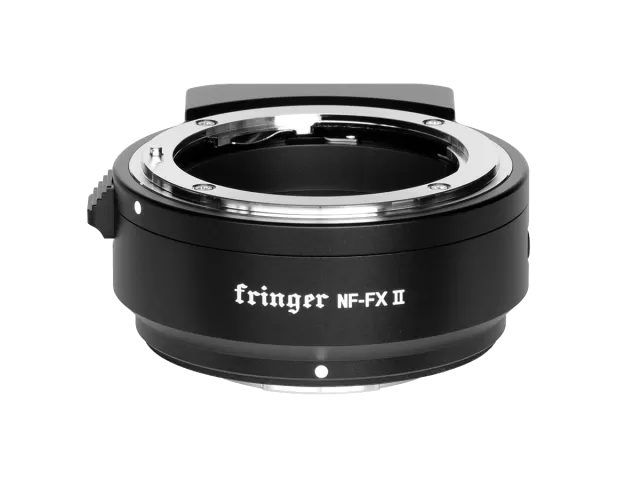
Fringer Pentax 645 to Fujifilm GFX firmware
Fringer · Pentax 645 to Fujifilm GFX · Lens
Latest firmware for the Fringer Pentax 645 to Fujifilm GFX is v1.10 (November 27, 2025).
Changelog
Pentax 645 to Fujifilm GFX firmware changelog
-
v1.10first tracked
Firmware history
-
Release notes & download
Show release notes Hide release notes
- Improved AF accuracy for SMC Pentax-FA 645 150-300mm F/5.6 ED [IF], especially when focusing on targets far away.
- Issue fixed: When using SMC Pentax-FA 645 35mm F/3.5 AL [IF], in some circumstances, the AF drive may get stuck.
Click here to understand how to upgrade.
Version 1.00 Initial version
You need a PC or MAC and a USB Type Ccable to upgrade the adapter.
- Connect the adapter to your computer.
- Find a new driver named “FRINGER” and copy new firmware to it.
- Wait for 20 seconds. The adapter will disconnect itself from the computer and reconnect. If it doesn’t reconnect automatically, you may disconnect the USB cable and reconnect it manually.
- Check installed firmware version (VERSION.TXT on the adapter)
For example: Before upgrade:
After upgrade:
Troubleshooting: Some of the cables in the market are for charging only and not suitable for data transfer. Thus, if you can’t find the “FRINGER” drive when adapter is connected to the computer, check your cable!
You may also read the adapter’s firmware version by Fujifilm’s method, i.e.
2
press and hold DISP button before powering on the camera. The “Lens version” on the screen is actually the adapter’s firmware version.
Watch the Pentax 645 to Fujifilm GFX for updates
Get an email the moment Fringer publishes new firmware. Just your email — no account or password needed.