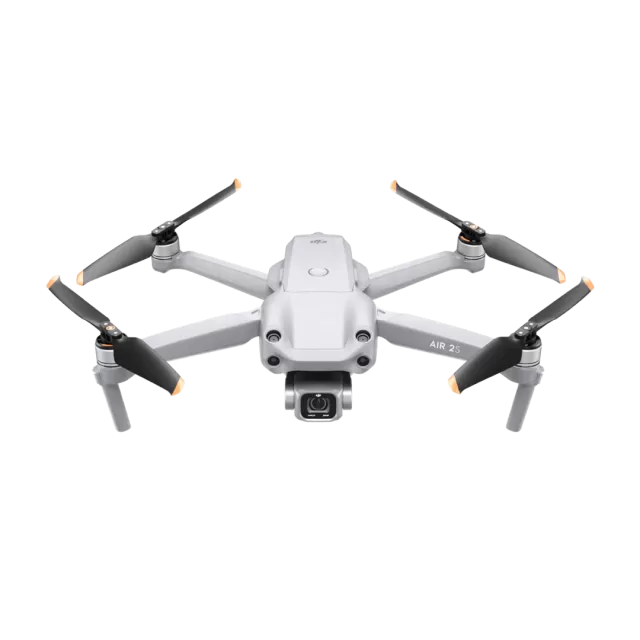
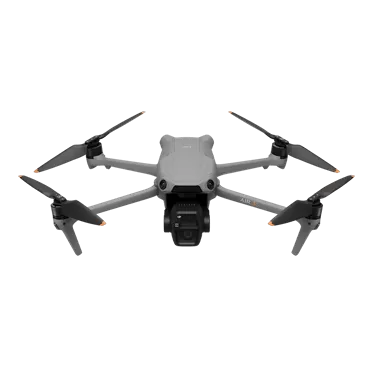
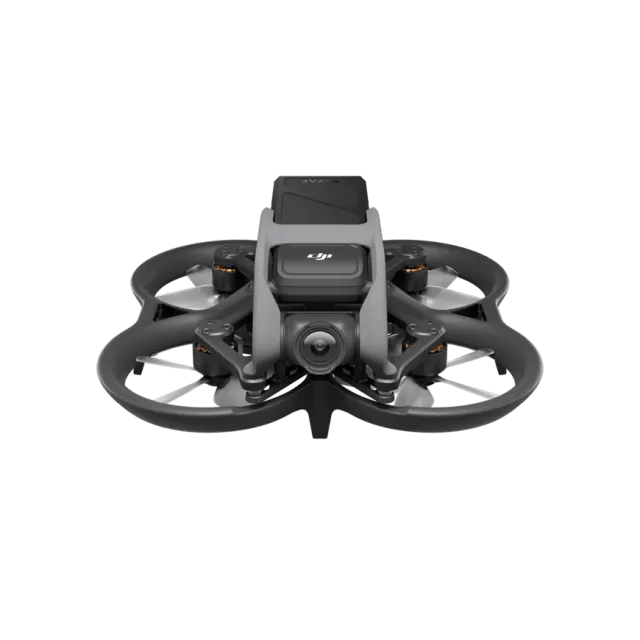
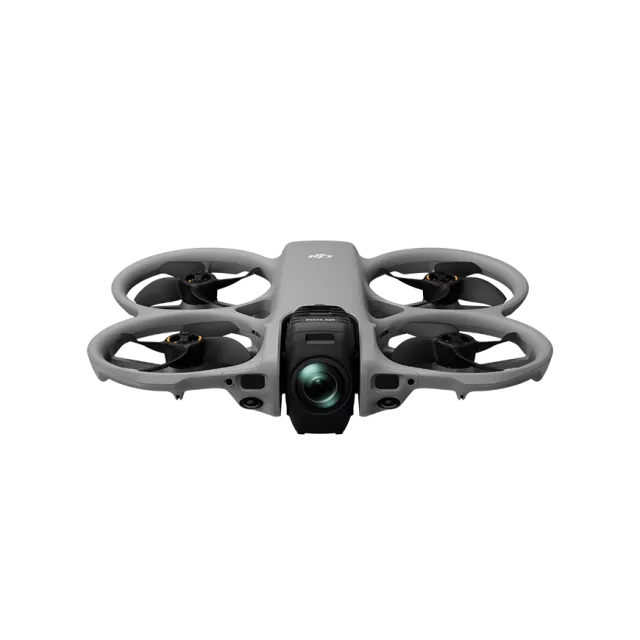
DJI Matrice 30 Series firmware
DJI · Matrice 30 Series · Drones
Latest firmware for the DJI Matrice 30 Series is v17.03.00.13 (August 11, 2026).
Changelog
Matrice 30 Series firmware changelog
Firmware history
-
Release notes & download
Show release notes Hide release notes
⚫ Fixed known issues.
-
Release notes & download
Show release notes Hide release notes
⚫ Added relevant features to meet local regulatory requirements.
-
Release notes & download
Show release notes Hide release notes
⚫ Improved system stability.
-
Release notes & download
Show release notes Hide release notes
⚫ Improved aircraft flight stability.
-
Release notes & download
Show release notes Hide release notes
⚫ DJI Pilot 2 can be independently updated on the remote controller. ⚫ Added support for importing KML or KMZ files exported by third - party software programs such as ArcGIS, OvitalMap, and LocaSpace Viewer.
For OvitalMap, both OVKML and OVKMZ are supported. ⚫ Added more color options for camera grid lines.
-
Release notes & download
Show release notes Hide release notes
⚫ Added support to set flight altitude in Linear Flight tasks. ⚫ Added support to set panorama when taking photos in Waypoint Route. ⚫ Added support to take orbit shots in POI tasks. ⚫ Added support to display AR RTH flight route during RTH in DJI Pilot 2. ⚫ Added support to display AR Landing Point during landing in DJI Pilot 2.
-
Release notes & download
Show release notes Hide release notes
⚫ Fixed some minor bugs. ⚫ Added some functions to meet local regulation requirements.
-
Release notes & download
Show release notes Hide release notes
⚫ Improved remote controller system stability.
-
Release notes & download
Show release notes Hide release notes
⚫ Updated the RTH to Advanced RTH.
The aircraft can automatically plan the flight path to avoid obstacles and fly to the Home Point during the return - to - home process. ⚫ Added support to improve the safety of RTH and the safe Resume Task from Breakpoint.
Users can view the guide in the Mission Editing View of the Waypoint Route in the app. ⚫ Ortho Collection supports the customization of the gimbal angle. ⚫ Added the function of Custom Flight Area.
Users can plan custom flight areas on DJI FlightH ub 2 and deliver them to the aircraft. ⚫ Added the function of Find My Drone in Flight Controller Settings.
In scenarios such as aircraft emergency landing or flyaway, information such as position display and coordinate sharing help users to find the aircraft. ⚫ Added ability to view the downloaded photos and videos in Album when the aircraft is disconnected. ⚫ Added support to save multiple sets of configurations for custom network RTK. ⚫ Added support to search location by texts, GEO zone alerts, and scan code to obtain target point locations in Map for DJI Pilot 2. ⚫ Added DJI Care Flyaway Coverage for DJI Care Enterprise.
Users can report flyaway aircraft in Device Management. ⚫ Added ability to import unlocking licenses offline.
-
Release notes & download
Show release notes Hide release notes
⚫ Improved aircraft flight stability.
-
Release notes & download
Show release notes Hide release notes
⚫ Added the remaining purchase service information for DJI FlightHub 2 in DJI Pilot 2. ⚫ Optimized some of the DJI Pilot 2 information such as prompts.
-
Release notes & download
Show release notes Hide release notes
⚫ Added Fixed Angle Shot.
Smart Low - Light mode is available under Fixed Angle Shot. ⚫ Added Support for Terrain Follow in Oblique Photography, and Linear Flight tasks. ⚫ Added ability to execute flight tasks during flight for fast and efficient execution of flight tasks at the current location.
Tap the flight route icon to create or select a flight task on the camera or map view of the DJI Pilot 2 app. ⚫ Added ability to set Safe Takeoff Altitude for flight tasks to improve flight safety.
This parameter setting is only valid when the aircraft executes a flight task before takeoff.
If the aircraft starts a flight task during flight, the safe takeoff altitude will not take effect. ⚫ Added ability to create Mapping or Oblique tasks by selecting an area in the map view.
Convenient to generate a flight route after synchronizing the mapping area p lanned on DJI FlightHub 2 to the DJI Pilot 2 app. ⚫ Added ability to import MBTiles format maps downloaded from Maptiler.
The map layer can be customized in the DJI Pilot 2 app. ⚫ Added ability to export logs by different modules in the DJI Pilot 2 app. ⚫ Added encryption for Network Security Mode in the DJI Pilot 2 app.
After setting a password, users can only change the Network Security Mode or adjust the function settings after entering the password. ⚫ Optimized firmware update prompt in the DJI Pilot 2 app.
-
Release notes & download
Show release notes Hide release notes
⚫ Fixed issue where importing KMZ file fails.
- Due to the characteristics of the infrared sensor, it is possible that the sensor will burn before burn protection is triggered. To avoid the sensor from burning, DO NOT operate the camera in direct sunlight. For minor burns, let the aircraft sit or manually perform FFC to try and restore the sensor.
-
Release notes & download
Show release notes Hide release notes
⚫ Added sun burn protection for the infrared camera sensor. When the camera detects the sun, it will automatically close the infrared shutter to protect the infrared camera.
- This function is enabled by default and can be disabled or enabled in the app. ⚫ Improved barometer stability.
- Due to the characteristics of the infrared sensor, it is possible that the sensor will burn before burn protection is triggered. To avoid the sensor from burning, DO NOT operate the camera in direct sunlight. For minor burns, let the aircraft sit or manually perform FFC to try and restore the senso r.
-
Release notes & download
Show release notes Hide release notes
⚫ Fixed issue where app crashes when displaying ADS - Binformation on map.
-
Release notes & download
Show release notes Hide release notes
⚫ Added support for Remote ID in Japan.
-
Release notes & download
Show release notes Hide release notes
⚫ Optimized imported KML files. After importing KML files when using Waypoint mission, users can select the flight route altitude from Relative to Takeoff Point (ALT), Ellipsoidal Height (WGS84), and ASL (EGM96). ⚫ Optimized and improved system stability.
-
Release notes not published by vendor — see official page.
Release notes & download
Watch the Matrice 30 Series for updates
Get an email the moment DJI publishes new firmware. Just your email — no account or password needed.