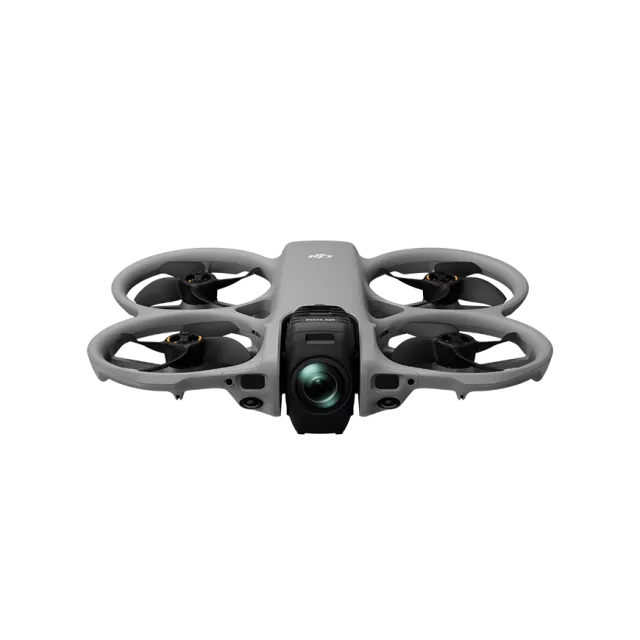
DJI Avata firmware
DJI · DJI Avata · Drones
Latest firmware for the DJI Avata is v01.06.0000 (October 20, 2026).
Changelog
DJI Avata firmware changelog
Firmware history
-
Release notes & download
Show release notes Hide release notes
- Fixed some known issues.
-
Release notes & download
Show release notes Hide release notes
- Fixed some known issues.
-
Release notes & download
Show release notes Hide release notes
- Added support to use with DJI RC Motion 2.
- Added support to use with DJI Goggles Integra.
- Added erasing all aircraft data. Tap Settings > About > Clear All Data to erase all data.
- Added RTH altitude prompt after updating the Home Point.
- Extended the low battery RTH countdown to 15 seconds.
- Added visual prompts when remote control or image transmission signals are weak. The visual prompt is displayed only when the aircraft is used with the DJI Goggles 2 or DJI Goggles Integra.
-
Release notes & download
Show release notes Hide release notes
- Added support for Remote ID requirements in the United States.
- Added ability to detect abnormal attitude and brake automatically when the aircraft turns sharply at high speed with an altitude of more than 5 m in Manual mode.
- Added ability to cancel the countdown for low battery RTH by pressing the brake button.
- Added support for the aircraft to record video at 4K@30fps, 2.7K@30fps, and 1080p@30fps. When used with DJI Goggles 2, 2.7K@120fps and 1080p@120fps are also available.
- Added ability to transfer data from the aircraft storage to the microSD card. Go to Settings > Camera in the goggles menu to use this function.
- Added ability to set sharpness and noise reduction parameters. Go to Settings > Camera > Advanced Camera Settings in the goggles menu to set the parameters.
- Improved D-Cinelike to 10bit, providing more possibilities for post-processing.
- Optimized flight stability in some scenarios.
- Optimized the video transmission fluency in broadcast mode.
-
Release notes & download
Show release notes Hide release notes
- Added support to use the goggles with DJI O3 Air Unit
- Added support to use Canvas mode with the googles when using DJI O3 Air Unit.
- Optimized prompts when using the goggles in some scenarios.
- Added the ability for DJI Goggles 2 to enter hibernation mode after being idle for a long time (approximately eight minutes) when powered on. Wake up the goggles by pressing the link button.
- Optimized the control guidance when using DJI Goggles 2.
- Optimized the video transmission experience in broadcast mode for both pilot and audience when using DJI Goggles 2.
-
Release notes & download
Show release notes Hide release notes
- Added the ability to customize the camera's auto ISO limit in auto mode.
- Added embedding gyroscope data in the recorded video on the aircraft. (EIS needs to turn off, and the camera FOV is set to Wide)
- Added reminder when the aircraft is in low-power state.
- Added orientation indicator when using the Head Tracking function with DJI Goggles 2.
- Added manual channel mode for transmission and photo mode for camera when using DJI FPV Goggles V2.
- Added orientation guidance for motion controller.
- Optimized flight experience when using motion controller.
Watch the DJI Avata for updates
Get an email the moment DJI publishes new firmware. Just your email — no account or password needed.