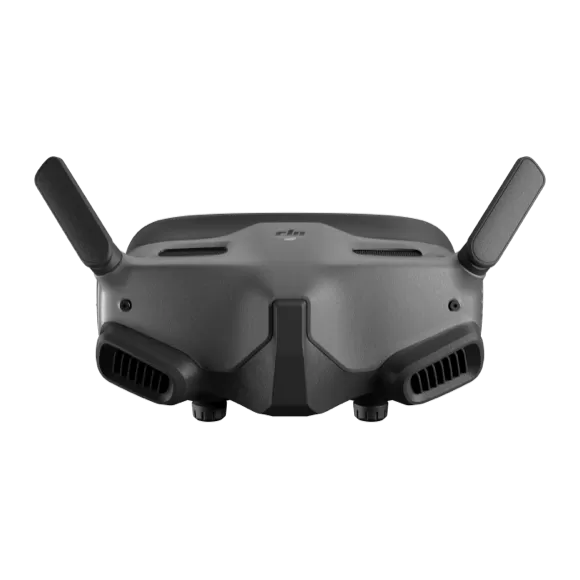
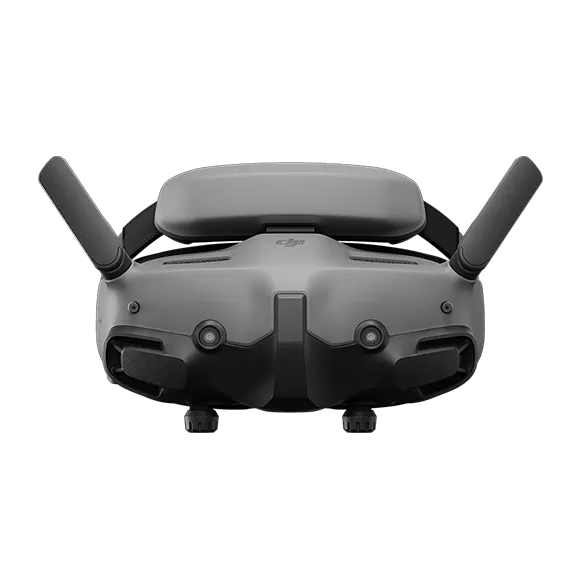
DJI Avata 360 firmware
DJI · DJI Avata 360 · Drones
Latest firmware for the DJI Avata 360 is v01.00.0800 (October 20, 2026).
Changelog
DJI Avata 360 firmware changelog
Firmware history
-
Release notes & download
Show release notes Hide release notes
- Added support for DJI RC Pro 2.
- Added Waypoint Flight.
- Added zoom for FocusTrack.
- Added support for automatic display orientation switching in Vision Assist.
- Fixed some known issues.
-
Release notes & download
Show release notes Hide release notes
- Fixed some known issues. Not e s:
- Restart the aircraft, remote control device, and goggles after the firmware update is complete.
- Note that the firmware update may reset various flight parameters such as RTH Altitude and Maximum Flight Distance. Before updating, take note of your preferred settings and readjust them after the firmware update is complete.
- If the update fails, restart the aircr aft, remote control device, goggles, and the DJI Fly app or DJI Assistant 2 (Consumer Drone Series), and try again.
DJI Avata 360 Release Notes h ttp://www.dji.com/ avata - 360 Copyright © 2026 DJ I All Rights Reserved 2
-
Release notes & download
Show release notes Hide release notes
- Fixed some known issues.
-
Release notes & download
Show release notes Hide release notes
- Added support for 4K @ 100fps video recording in 360° mode.
- Added photo capture in Single Lens mode.
- Added support for automatically display ing Vision Assist when flying with DJI FPV Remote Controller 3.
- Added gimbal center calibration.
- Optimized descent speed when flying horizontally along a slope to prevent the aircraft from drifting away.
- Added high - precision intelligent stitching for editi ng panoramic videos in the DJI Fly app.
- Fixed some known issues. Not e s:
- Restart the aircraft, remote control device, and goggles after the firmware update is complete.
- Note that the firmware update may reset various flight parameters such as RTH Altitude a nd Maximum Flight Distance. Before updating, take note of your preferred settings and readjust them after the firmware update is complete.
- If the update fails, restart the aircraft, remote control device, goggles, and the DJI Fly app or DJI Assistant 2 (Co nsumer Drone Series), and try again.
-
Release notes & download
Show release notes Hide release notes
- Fixed some known issues. Not e s:
- Restart the aircraft, remote control device, and goggles after the f irmware update is complete.
- Note that the firmware update may reset various flight parameters such as RTH Altitude and Maximum Flight Distance. Before updating, take note of your preferred settings and readjust them after the firmware update is complete.
- I f the update fails, restart the aircraft, remote control device, goggles, and the DJI Fly app or DJI Assistant 2 (Consumer Drone Series), and try again.
-
Release notes & download
Show release notes Hide release notes
- Added support for DJI FPV Remote Controller 3.
- Added Panorama Stitching Calibration.
- Added automatic detection for cycling and skiing subjects in FocusTrack.
- Added 2.7K 60/50/48/30/25/24fps video options in Single Lens mode.
- Increased the m aximum horizontal flight speed in Sport mode to 18 m/s.
- When using head tracking with the goggles in 360° mode, improv ed tracking response latency and added roll angle control.
- Optimized the display of the tilt angle in the flight view when using FocusTrac k > Spotlight > Free mode, allowing it to move up and down following the flight direction.
- Optimized the playback experience of 8K30 and above panoramic videos in Free View mode with goggles by reducing latency. Not e s:
- Restart the aircraft, remote control device, and goggles after the firmware update is complete.
- Note that the firmware update may reset various flight parameters such as RTH Altitude and Maximum Flight Distance. Before updating, take note of your preferred settings and readjust them after th e firmware update is complete.
- If the update fails, restart the aircraft, remote control device, goggles, and the DJI Fly app or DJI Assistant 2 (Consumer Drone Series), and try again.
Watch the DJI Avata 360 for updates
Get an email the moment DJI publishes new firmware. Just your email — no account or password needed.