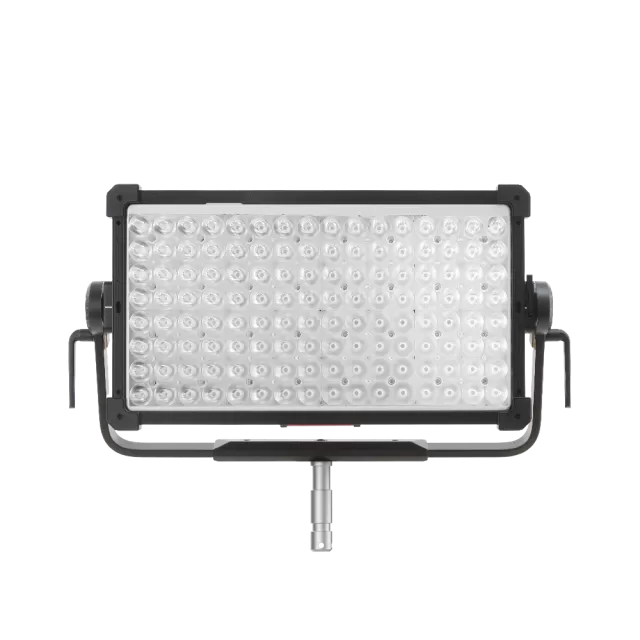
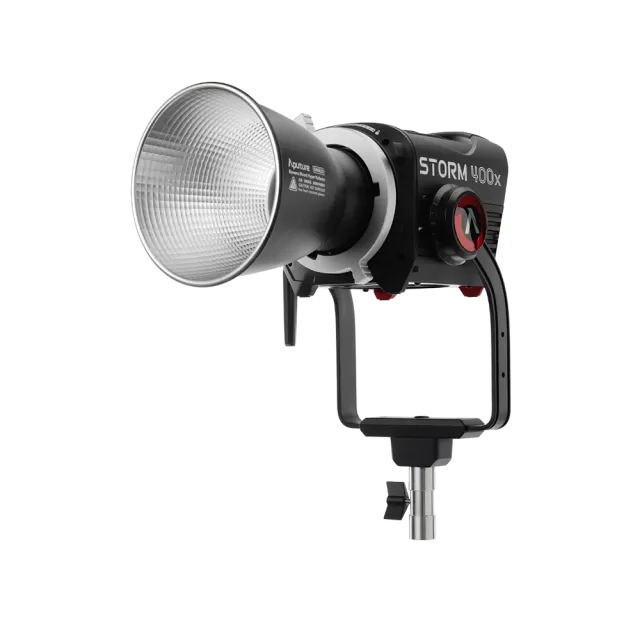
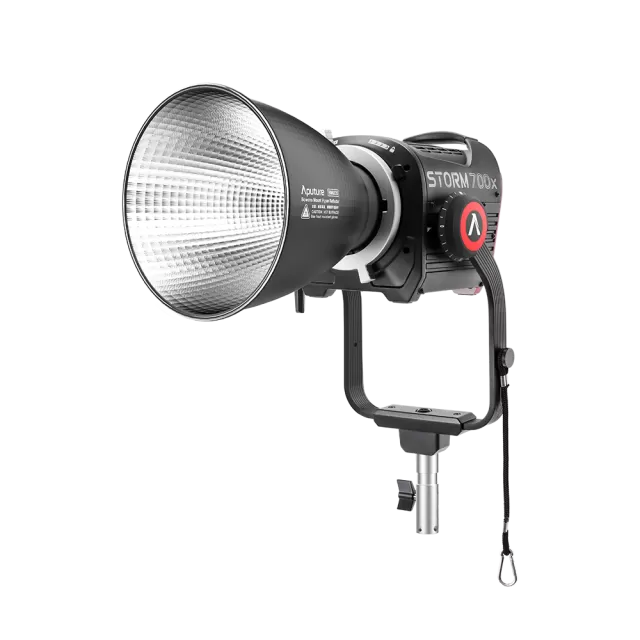
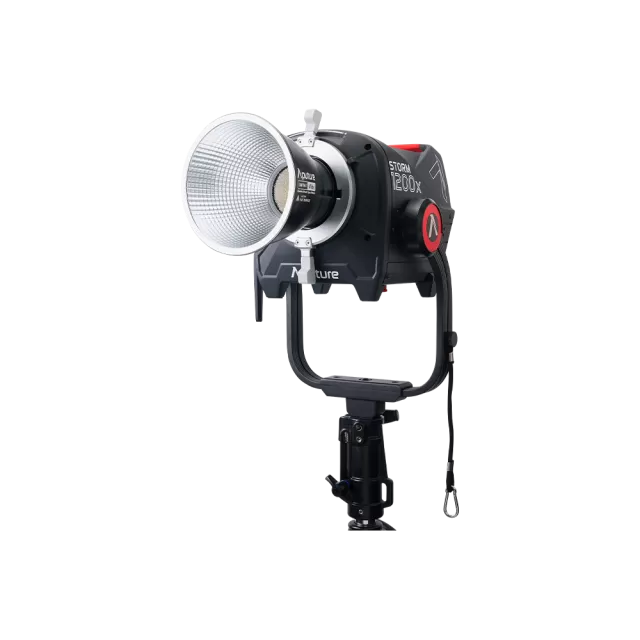
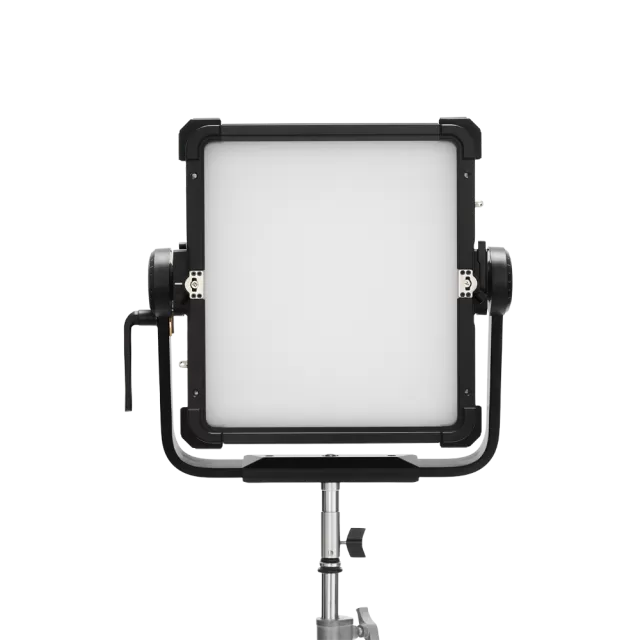
Aputure STORM XT52 firmware
Aputure · STORM XT52 · Video
Latest firmware for the Aputure STORM XT52 is v1.9 (September 22, 2026).
Changelog
STORM XT52 firmware changelog
Firmware history
-
Combined firmware upgrades via USB and Bluetooth, maximum power DMX control, and fan, NFC, error display fixes. — summary by updatemystuff.com
Release notes & downloadShow release notes Hide release notes
Combined Control Box and Lamp Head firmware updates over USB and Bluetooth, a Maximum Power DMX control channel, and fan, NFC, and error display fixes. This update is delivered as a USB upgrade file. See Update Firmware via a USB Flash Drive for the procedure.
New Features
- USB Combined Firmware Upgrade. Added support for upgrading the combined Control Box + Lamp Head firmware over USB. When the USB drive contains both combined and separate firmware files, the combined firmware is upgraded first.
- Bluetooth OTA Combined Firmware Upgrade. Added Bluetooth OTA upgrade support for the combined Control Box + Lamp Head firmware. Upgrading the Control Box firmware on its own is no longer supported.
- Maximum Power on the DMX Control Channel. The DMX control channel now includes a function to set maximum power. The setting is applied even while DMX data is changing dynamically.
Enhancements
- Factory Reset xy Defaults. Changed the factory reset default x and y coordinates from (0.3301, 0.3390) to (0.4234, 0.3989).
- Corrected INT Label. Removed the space between I and N so the brightness label reads INT.
- Corrected xy Label. Removed the space between x and y and set both letters to lowercase on all related entries.
- Merged Version Display. Firmware version and hardware version are now shown on a single page.
- Quieter Error Reporting. When a general error occurs, the pop-up window no longer appears. Instead a warning icon is shown in the title bar, a red dot appears on the error code menu item, and the indicator light remains green on both the Control Box and the Lamp Head.
Bug Fixes
- NFC DMX Configuration. Fixed an issue where the interface refreshed after configuring the DMX profile and DMX address over NFC, but the actual control did not take effect.
- Control Channel Commands and Signal Flash. Fixed an issue where, when using the Control function in Sidus Link Pro, enabling signal flash would flash six times while the control channel itself did not function.
- DMX Fan Smart Mode After Power On. Fixed an issue where the DMX fan Smart mode would not respond after each system power on.
- Fan Mode on Channel Re-Enable. Fixed an issue where re-enabling the fan control channel maintained the current fan mode instead of setting the fan mode from the current DMX fan channel value.
- Fan Smart Mode Temperature Tracking. Fixed an issue where the fan speed in Smart mode did not adjust with temperature changes.
- EH.10 Error Display. Fixed an issue where EH.10 would continuously occupy the top of the screen and prevent switching to other error screens when it occurred alongside other errors.
- Bluetooth CCT and HSIC+ Range Limits. Fixed an issue where, under Bluetooth control in CCT and HSIC+ normal light modes, range limiting was not synchronized with the Control Box interface when processing G/M parameters. Also fixed an issue where image data display could be abnormal on the CCT interface.
- Memory Management. Unified dynamic memory management and fixed an occasional firmware crash when repeatedly plugging and unplugging AC.
-
Release notes & download
Show release notes Hide release notes
Summary of the Updates to STORM XT52 This update must be done on USB. It cannot yet be updated over Sidus Link or Sidus Link Pro.
New Features
- Added 6 Fan Control Modes: Provides more refined thermal management options to balance noise levels and cooling performance for different use cases
- Smart, Max, High, Medium, Low, Silent
Improvements
- Removed DMX Controlled Fan option from Fan Menu. User now selects DMX Control Profiles for DMX Controlled Fan.
Bug Fixes
- Modified the DMX Control channel time to accept the change to 2.5 seconds.
Known Issue
- DMX Control Channel may produce an additional 3 flashes. This will be fixed in a future version.
-
Release notes & download
Show release notes Hide release notes
Summary of the Updates to STORM XT52 This update must be done on USB. It cannot yet be updated over Sidus Link or Sidus Link Pro.
New Features
- Added coarse and fine adjustment modes for HUE and SAT parameters in HSIC+ mode, with UI switching between adjustment resolutions. Press and hold the Encoder Wheel on a parameter to Change Between Coarse Control with XX% and Fine Control XX.X%.
- Added expanded manual fan mode options, including Smart, Full Speed, High Speed, Medium Speed, Low Speed, and Silent modes.
Improvements
- Added new folder structure for DMX Profiles.
- Improved error detail reporting across multiple error codes, allowing clearer identification of error types directly on the fixture UI.
- Improved DMX and CRMX interface handling so the fixture reliably redirects to the correct DMX Status screen when DMX or CRMX data is detected.
- Improved DMX smooth fade-in and fade-out behavior for more consistent transitions.
- Updated DMX profile naming to align with the latest DMX profile requirements and improve readability.
- Improved real-time UI refresh behavior when changing DMX Profiles or DMX Address after Bluetooth auto-configuration.
- Improved indicator light logic so ignoring a general error restores the indicator light to green when no other errors are present.
- Improved temperature display layout and error presentation on the status interface.
- Improved Silent fan mode behavior, with Silent mode power fixed at 600 W and independent of maximum power settings.
- Improved performance in Sidus Link and Sidus Link Pro for PRO and GO programming, including responsiveness of HSI lighting effects.
- Improved performance of DMX static color mixing, FX lighting effects, and DMX Strobe behavior.
- Improved handling of general and minor error conditions so non-critical errors do not interrupt normal operation.
Bug Fixes
- Fixed Strobe function on DMX Control Channel Profiles.
- Fixed an issue where, after a factory reset and CRMX connection, entering CCT mode would not redirect to the DMX Status screen when CRMX data was present.
- Fixed an issue where CRMX could stop responding after being toggled off and back on.
- Fixed an issue where enabling or disabling DMX signal flashing did not take effect immediately.
- Fixed an issue where the interface did not refresh in real time after modifying DMX Profile or DMX Address following Sidus Link Pro Auto-Patching.
- Fixed an issue where the fixture could enter the control settings interface instead of the Bluetooth reset interface when deleting a device in Sidus Link.
- Fixed an issue where DMX Profile names could display incorrectly after Sidus Link Pro Auto Patching when selecting profiles 101 or higher.
- Fixed an issue where the network cable icon could remain visible after performing a factory reset with a network cable inserted.
- Fixed an issue where DMX zero-brightness data was not consistently honored under certain conditions.
- Fixed fan stall detection timing so fan failure errors are reported correctly after sustained stall conditions.
- Fixed pump error detection behavior to better distinguish pump stall and dry-run conditions.
- Fixed Fresnel behavior so the Fresnel correctly stops when power is off and resumes when power is on.
Known Issue
- DMX Control Channel must be activated for 3 seconds in this version and may produce an additional 3 flashes. This will be fixed in a future version.
-
Release notes & download
Show release notes Hide release notes
Updates to STORM XT52 including new DMX Profiles and Bug Fixes This update must be done on USB. It cannot yet be updated over Sidus Link or Sidus Link Pro.
New Features
- Updated DMX Profiles (1–32, 101–132) – Profiles are now unified and consistent with the STORM 1200x.
- Includes new profiles: Limited CCT & RGB, xy & CCT, RGB, and RGBA
- Download the new DMX Chart V1.1 here.
Optimizations
- The software version number now displays as 1.60, making it easier to confirm your update.
- CRMX and Bluetooth can no longer be enabled at the same time, preventing conflicts.
- After resetting Bluetooth with a long press on the back button, the system now automatically turns Bluetooth on.
- Overcurrent pop-up notifications have been simplified into a clear Error Code (EH31).
- Power handling has been improved:
- A pop-up now alerts you if the light powers on at less than full output.
- New warnings appear if voltage fluctuates, with automatic power reduction or shut-off for protection.
- AC voltage information and high/low voltage displays added in menus.
- The HSIC+ dimming curve has been refined for smoother, more accurate low-brightness performance.
- xy color mode zero-value colors optimized.
- System Fan control has been optimized:
- Fan errors are now detected using both stall detection and temperature checks, improving accuracy.
- Shutdown fan speed checks have been relaxed to avoid false triggers.
- The strobe random effect has been optimized.
- A new flash enable blink function and reserved effect slot execution improve channel control behavior.
Bug Fixes
- Light now turns on and off without delay.
- AC fault error codes now display text correctly (no more blank screen).
- Environmental temperature errors must now be manually cleared instead of automatically canceling.
- Factory mode no longer switches languages unexpectedly when timers reset.
- Boot upgrades no longer get stuck in a restart loop if power is lost.
- Master/slave reset now works properly.
- If the fixture fails to respond, the system ignores it instead of freezing.
- After a stall recovery, the light cancels the error and jumps to the correct menu.
- Brightness can now always be controlled properly, even after the app adjusts motors.
- CRMX forwarding of DMX data now keeps multiple fixtures in sync.
- Resolved xy color mode bug.
- Added a 1-second power-on delay for compatibility with LLZ adapters.
- Fixed interface refresh issues in output channel, dimming curve, and CRMX settings menus.
- Fixed xy interface boundary issue where values could go out of range.
- Sidus App now properly switches into HSIC+ mode.
- Knob controls no longer allow unintended adjustments if turned quickly while entering a settings menu.
- On first power-up, fans no longer default to silent mode without refreshing power limits.
- Screen now updates with Control Channel changes.
Known issues: DMX FX Profiles are not optimized.
-
Release notes & download
Show release notes Hide release notes
Summary of the Updates to STORM XT52 This update must be done on USB.
It cannot yet be updated over Sidus Link or Sidus Link Pro.
For updating firmware version 1.2 and later, please update normally by copying files to a USB Drive.
WARNING: If updating firmware from version 1.0 or 1.1, please see update Instructions Below.
New Features
- Supports Auto-Patching and Auto-Configuration for Sidus Link Pro V2.0
- Added Bluetooth upgrade support (this version and above support Bluetooth upgrades).
- CRMX PIN reset (restoring factory settings resets PIN to default).
- Updated NFC linking-key setup method.
Optimizations
- Updated Water Cooling Detection
- Added environmental limits for low-temperature operation.
- Improved DMX fade time and on/off responsiveness by optimizing DMX data forwarding and light thread handling.
- Shortened button shortcut trigger time to 5 seconds.
- Optimized high/low voltage logic during startup to prevent incorrect adapter detection.
- Added a dedicated thread for more stable DMX processing.
- Improved 96V shutdown detection logic during upgrades to avoid false upgrade failure reports.
- Reduced memory usage by moving images to external flash and converting global variables to local.
- Refined protective cover detection logic for quicker response.
- Improved flicker performance in the 15%–35% brightness range.
Bug Fixes
- Fixed CRMX reset not clearing RX or switching TX to RX properly.
- Resolved system freeze caused by memory allocation failure when Ethernet and DMX were connected simultaneously.
- Removed false error codes caused by adapter communication interference.
- Replaced immediate power-off memory save with timed memory write to ensure data retention.
- Removed lamp connection cable icon to prevent title bar overflow.
- Fixed Follow Mode not updating the light mode UI.
- Corrected flame effect displaying the wrong color.
- Fixed issue where the indicator light turned red after upgrade and did not reset (watchdog added to boot).
- Disabled automatic lamp shutdown after upgrade; control now handles power-off separately.
- Corrected false water pump error codes triggered by low-temperature conditions.
- Fixed XT52 effect renaming issue.
- Filtered false dual error codes caused by COB NTC short-circuit protection at 125°C.
- Removed 3500 RPM smart mode and legacy no-load detection due to false positives; unified detection logic at 5500 RPM.
Update Instructions for versions 1.0 and 1.1,
- For firmware versions 1.0 and 1.1, the update procedure must be followed in the exact order below. Failure to do so may result in the light becoming non-functional.
Step 1: Update BMP and DRV Files
- Copy the *.bmp and *.drv files to the USB drive. Make sure you do not copy the *.ctr file to the USB Drive.
- Power on the XT52 fixture and set the brightness to 0%.
- Insert the USB drive into the XT52.
- Navigate to the Update Firmware menu and trigger the update.
- Once the upgrade is complete, remove the head cable from the control box.
- Delete the *.bmp and *.drv files from the USB drive.
Step 2: Update CTR File
- Copy the *.ctr file to the USB drive.
- Insert the USB drive into the XT52.
- Navigate to the menu and trigger the second upgrade.
Watch the STORM XT52 for updates
Get an email the moment Aputure publishes new firmware. Just your email — no account or password needed.