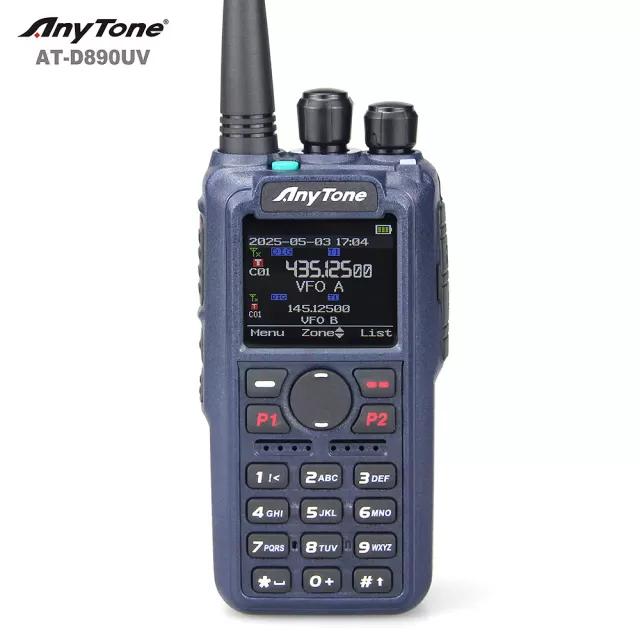
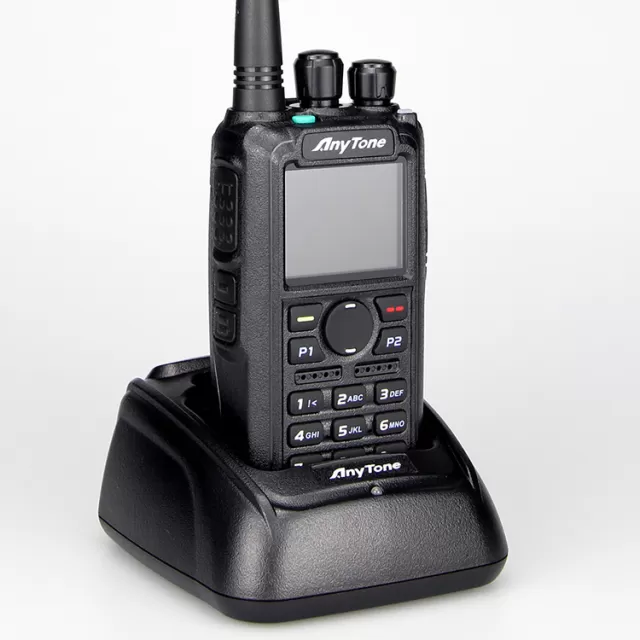
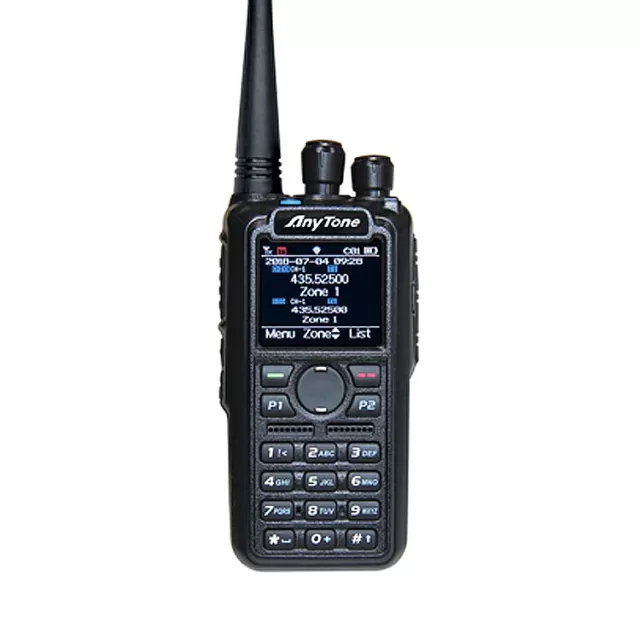
AnyTone AT-D168UV firmware
AnyTone · AT-D168UV · AT-D168UV · Handheld
Latest firmware for the AnyTone AT-D168UV is v1.07 (June 14, 2025).
Specifications
AT-D168UV specifications
- Type
- Amateur VHF/UHF transceiver
- Frequency range
- Europe / TX: 144-146 / 430-440 MHz / RX: 144-146 / 430-440 MHz / USA / TX: 144-148 / 420-450 MHz / RX: 144-148 / 420-450 MHz
- Modes
- FM / NFM / DV (DMR)
Show the full specification Hide the full specification
General
- Mode
- FM / NFM / DV (DMR)
- Type
- Amateur VHF/UHF transceiver
- Weight
- 220 g (7.76 oz), with battery pack
- Power supply
- 7.4 VDC ±20%
- Tuning steps
- 5 / 6.25 KHz
- Other features
- CTCSS/PL and DCS. 2-tone and 5-tone. DTMF. Voice recorder. Messaging. Digital encryption. Vibralert. PC programmable. VOX. APRS. USB type C jack. Weather alert. GPS and Bluetooth options.
- Frequency range
- Europe TX: 144-146 / 430-440 MHz RX: 144-146 / 430-440 MHz USA TX: 144-148 / 420-450 MHz RX: 144-148 / 420-450 MHz
- Dimensions (W*H*D)
- 54*104*36 mm (2.12*4.09*1.42")
- Frequency stability
- ±1.5 ppm @ -20 to +55°C (-4 to +131°F)
- Repeater shift / offset
- Programmable
- Channels / memory management
- 4000 regular
- Antenna impedance / connector
- 50 ohm / SMA (Male)
- Current drain / power consumption
- RX: ? mA TX: Max ? A
Miscellaneous
- Manufactured
- China (By Qixiang Electron Science & Technology Co. Ltd.), 2024-202x
Receiver Section
- Sensitivity
- FM: 0.25 uV (12 dB SINAD) NFM: 0.35 uV (12 dB SINAD) DV: 0.7 uV (BER 1%) / 0.3 uV (BER 5%)
- Squelch sensitivity
- FM: 65 dB (Adjacent channel) NFM: 60 dB (Adjacent channel)
- AF output power / speaker
- 1 W at 5% distortion / 16 ohm
Transmitter Section
- RF output power
- HighLow 3Low 2Low 1 2 m:5 W2.5 W500 mW200 mW 70 cm:4 W2.5 W500 mW200 mW
- Spurious emissions
- Better than -60 dBc
- Microphone input level
- ? mV
- Max FM deviation (Factory set)
- FM: ±5 KHz NFM: ±2.5 KHz
- Microphone impedance / connector
- ? ohm / ?-pin
Changelog
AT-D168UV firmware changelog
-
v1.05v1.06Improves scan speed and fixes APRS, GPS, satellite, and digital communication issues. -
v1.04v1.05Faster scanning with APRS and Arm CTCSS satellite modes, separate TX/RX color codes, and automatic night mode. -
v1.03v1.04Improves transmit audio, external microphone tone, and AES256 encryption. -
v1.03first tracked Enhances Satellite mode with separate power and stability fixes; adds Master ID and GPS position saving.
Firmware history
All versions below were published by AnyTone on anytone.net and qixiang.com. Third-party and modified firmware is never listed.
-
Source:
anytone.netRelease notes & downloadShow release notes Hide release notes
- Resolve the issue that Satellite TX frequency is incorrect.
- Resolve the issue that Satellite passes are inaccurate.
-
Improves scan speed and fixes APRS, GPS, satellite, and digital communication issues. — summary by updatemystuff.com
Source:
anytone.netRelease notes & downloadShow release notes Hide release notes
- Resolve the issue that APRS doesn’t work.
- Resolve the issue that GPS info menu was missing the Edit button.
- Resolve the issue that Satellite Aos limit doesn’t work.
- Resolve the issue that TOT Predict on Anytone 168UV does not work.
- Resolve the issue that when listen to a Satellite, the radio doesn’t have a sound when SQ set 0.
- Improve the D168UV scan speed.
- Resolve the issue that D168UV doesn’t receive D878UV well in AES256/ARC4 communication.
- Resolve the issue that D168UV can’t receive digital repeater signal well in mixed mode.
- Resolve the issue that the radio doesn’t display the satellite name after load the the satellite information.
-
Faster scanning with APRS and Arm CTCSS satellite modes, separate TX/RX color codes, and automatic night mode. — summary by updatemystuff.com
Source:
anytone.netRelease notes & downloadShow release notes Hide release notes
- Improve the scan speed.
- Allows APRS Transmit under Satellite menu, press PTT+PF2 button to transmit the APRS. The APRS shall be set up in CPS->Tool->GPS Satellite Data Update -> AprsTxFreq(Hz).
- Allows Arm CTCSS transmit under Satellite menu, press PTT+PF1 button to transmit the ArmCTC or DCS. The Arm CTC or Arm DCS shall be set up in CPS->Tool->GPS Satellite Data Update -> Arm CTC or Arm DCS first.
- Separate the color code for TX and RX in channel setting. When you load the old. rdt file to the CPS, the CPS will come up with a screen to ask whether you want to let the TX CC same as RX CC, click on Yes will make the TX CC= RX CC.
- Move CRC ignore into each channel setting instead of public settings for all channels.
- CPS->Optional Setting ->Satellite->Sate Aos limit, allows to set up the Elevation/Degrees for the satellite.
- CPS->Optional Setting ->Satellite->Sate Fix PointName 1-8, allows to set the name for Fixed location 1-8.
- CPS->Optional Setting->Display->Night Start hour, Night Start Min, Night end hour and Night end Min, it allows to set up the Night time, the radio will switch to night mode automatically in the night time period.
- CPS->Tool->GPS Satellite Data Update, allows to import and export the satellite data in .CSV file format.
-
Improves transmit audio, external microphone tone, and AES256 encryption. — summary by updatemystuff.com
Source:
anytone.netRelease notes & downloadShow release notes Hide release notes
- AES256 function – Improve the issue that D168UV work incorrectly on AES256 transmission.
- Mic function – Improve the issue that some radios have low transmit audio.
- Ext speaker microphone – Improve the issue that using FW 1.03 with ext mic speaker on a Dmr repeater channel, if the repeater doesn't reply when I push PTT, no tone is played.
-
Enhances Satellite mode with separate power and stability fixes; adds Master ID and GPS position saving. — summary by updatemystuff.com
Source:
anytone.netRelease notes & downloadShow release notes Hide release notes
- Satellite function – Allows set up power for Satellite separately from channel power. Press * key to switch the power level when the radio is in Satellite mode.
- Satellite function – Improve the issue that radio stuck during predicting.
- Satellite function – Allow the radio stay at the satellite menu, ignore the menu exit time setting. The radio will exit Satellite menu by pressing the return key only.
- Satellite function – The CPS->tool->Satellite Data Updating, this page is updated to allow input different download link for satellite information update use.
- In CPS->Digital->Master ID, allows set up a Master ID for the radio. In radio menu ->Setting->Channel Set-> Radio ID, if you select the master ID in a channel, all the channels will switch to use master ID, it is a public setting for all channels. It is helpful when you temporarily lending out radios.
- In radio menu ->GPS-> GPS Info, allows to save the GPS position to fixed beacon.
- CPS->Tool -> Radio recording, update the recording page.
Watch the AT-D168UV for updates
Get an email the moment AnyTone publishes new firmware. Just your email — no account or password needed.