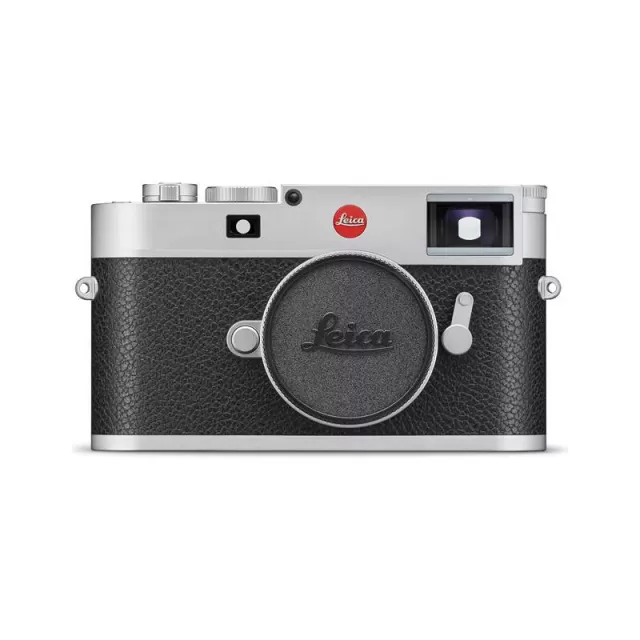
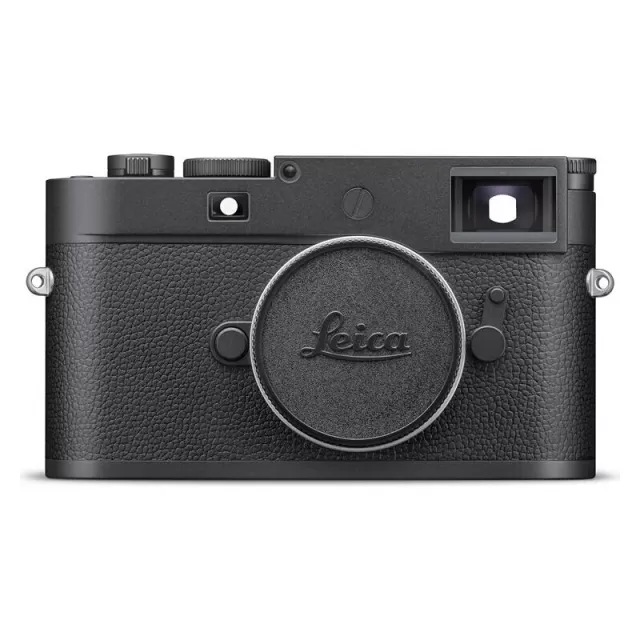
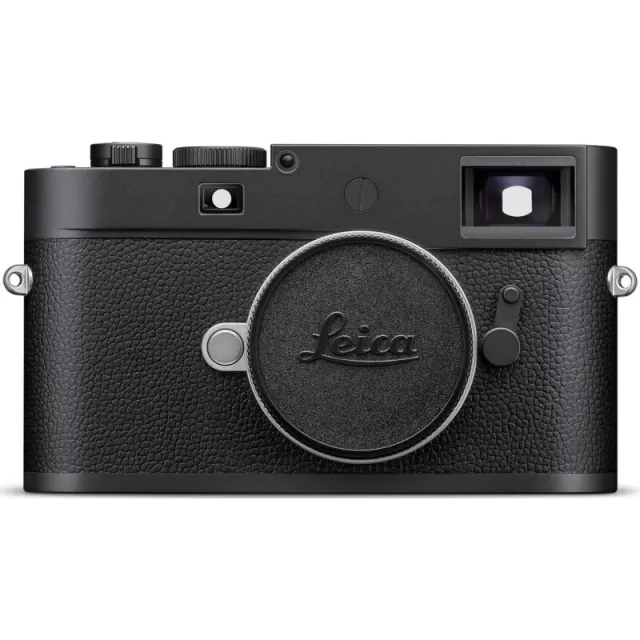
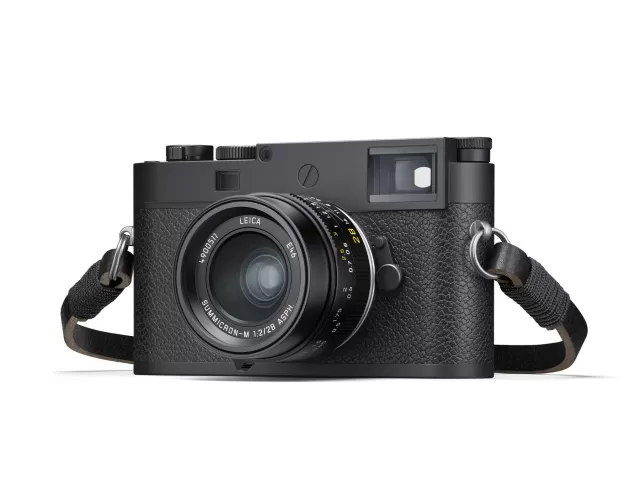
Specifications
TL specifications
- Body type
- Rangefinder Style Mirrorless
- Resolution
- 16.3 MP
- Sensor
- CMOS
- Sensor size
- 23.6 × 15.7 mm
- ISO range
- 100–12500
- Fastest shutter
- 1/4000
- Burst rate
- 5 fps
- Battery life
- 400 shots (CIPA)
- Storage
- Internal + SD/SDHC/SDXC card
- Video
- MPEG4
- Mount
- Leica L
- Weight
- 384 g
- Dimensions
- 134 × 69 × 33 mm
- Weather sealed
- No
- Price at launch
- $1695
Changelog
TL firmware changelog
-
v2.1.1.0first tracked
Firmware history
-
Release notes & download
Show release notes Hide release notes
Leica Camera AG / Seite 1 von 2 Installation instructions f or the L eica TL - Firmware 2.4 Dear Customers, by installing the firmware 2.4 on your Leica TL you will gain additional fu nctions and improved performance for your camera.
Update Contents Model LEICA TL Update Version Version 2.4 Update File Name TL_2400.
TUF Description Version Description 2.4 Performance Improvements: NEW: Compatible with the new Leica FOTOS app Connect your smartphone to your Leica camera NEW: QR Code for all Leica Cameras Easy pairing of smartphone and Leica cameras. NEW: 1-Click Connection with FN-Button WLAN starts without submenus on FN-button. NEW: Fixed WLAN name and password No submenus for setting name and password. NEW: No submenus for mode settings No submenus for setting a connection mode.
Firmware Update Procedure
- Download an updated version of the firmware.
- Copy the firmware file onto a SD Memory Card in its top level folder.
- Make sure to turn off the power switch on the camera.
- Insert the fully charged battery to the body. If the battery is not fully charged, the update process screen will not appear.
- Insert the SD Memory Card into the camera.
- Turn the camera on, while simultaneously pressing the video release button.
- The firmware update screen will appear. Press OK.
- The LEICA TL will start the update process. The firmware update will take about 90 seconds.
- After the update process please restart the camera.
Leica Camera AG / Seite 2 von 2
CAUTION
Please do not turn off your camera, or do not remove the SD Memory Card, do not remove the lens while updating your camera's firmware. DOING SO CAN CAUSE A SERIOUS DAMAGE TO YOUR CAMERA!
-
Version
2.3.0.0First seen Sep 23, 2026Release notes & downloadShow release notes Hide release notes
Leica Camera AG / Seite 1 von 1 Installation instructions for the L eica TL - Firmware 2.3 Dear Customers, by installing the firmware 2.3 on your Leica T L you will gain additional functions and performance for your camera.
Update Contents Model LEICA TL Update Version Version 2.3 Update File Name TL_2300.
TUF Description Version Description 2.3 Performance Improvements: Simplified pairing process between camera and smartphone/APP Improvement of Color Aberration for all TL lenses 100% support including auto update of the new TL 2.8/18mm lens Firmware Update Procedure
- Download an updated version of the firmware.
- Copy the firmware file onto a SD Memory Card in its top level folder.
- Make sure to turn off the power switch on the camera.
- Insert the fully charged battery to the body. If the battery is not fully charged, the update process screen will not appear.
- Insert the SD Memory Card into the camera.
- Turn the camera – while simultaneously pressing the video release button – on.
- The firmware update screen will appear. Press OK.
- The LEICA TL will start the update process. The firmware update will take about 90 seconds.
- After the update process please restart the camera.
CAUTION
Please do not turn off your camera, or do not remove the SD Memory Card, do not remove the lens while updating your camera's firmware. DOING SO CAN CAUSE A SERIOUS DAMAGE TO YOUR CAMERA!
-
Version
2.2.0.0First seen Sep 23, 2026Release notes & downloadShow release notes Hide release notes
Leica Camera AG / Seite 1 von 1
Installation instructions for the L eica TL - Firmware 2.2
Dear Customers,
By installing the firmware 2.2 on your Leica T L the new Elmarit-TL 18 f/2.8 ASPH. will be fully supported.
Update Contents Model Number LEICA TL Update Version Version 2.2 Update File Name TL_2200. TUF
Firmware Update Procedure
- Copy the firmware file onto a SD Memory Card in its top level folder.
- Make sure to turn off the power switch on the camera.
- Insert the fully charged battery to the body. If the battery is not fully charged, the update process screen will not appear.
- Insert the SD Memory Card into the camera.
- Turn the camera – while simultaneously pressing the video release button – on.
- The firmware update screen will appear. Press OK.
- The LEICA TL will start the update process. The firmware update will take about 90 seconds.
- After the update process please restart the camera.
CAUTION
Please do not turn off your camera, or do not remove the SD Memory Card, do not remove the lens while updating your camera's firmware. DOING SO CAN CAUSE A SERIOUS DAMAGE TO YOUR CAMERA!
-
Version
2.1.1.0First seen Jul 7, 2026Release notes & downloadShow release notes Hide release notes
Leica Camera AG / Seite 1 von 1
Installation instructions for the L eica TL - Firmware 2.11
Dear Customers,
By installing the firmware 2.11 on your Leica T L a bug fix issue will be solved.
Update Contents Model Number LEICA TL Update Version Version 2.11 Update File Name TL_2110. TUF
Description Version Description 2.11
Bugfix: Hang up of camera by using 2.8/60mm solved
Firmware Update Procedure
- Download an updated version of the firmware and double click on the ZIP-file to unpack it.
- Copy the firmware file onto a SD Memory Card in its top level folder.
- Make sure to turn off the power switch on the camera.
- Insert the fully charged battery to the body. If the battery is not fully charged, the update process screen will not appear.
- Insert the SD Memory Card into the camera.
- Turn the camera – while simultaneously pressing the video release button – on.
- The firmware update screen will appear. Press OK.
- The LEICA TL will start the update process. The firmware update will take about 90 seconds.
- After the update process please restart the camera.
CAUTION
Please do not turn off your camera, or do not remove the SD Memory Card, do not remove the lens while updating your camera's firmware. DOING SO CAN CAUSE A SERIOUS DAMAGE TO YOUR CAMERA!
Watch the TL for updates
Get an email the moment Leica publishes new firmware. Just your email — no account or password needed.