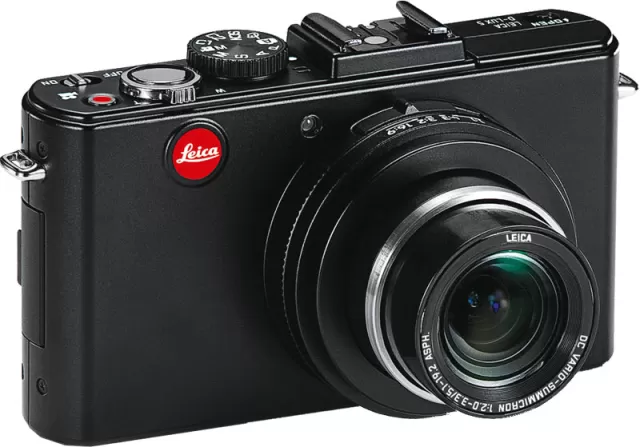
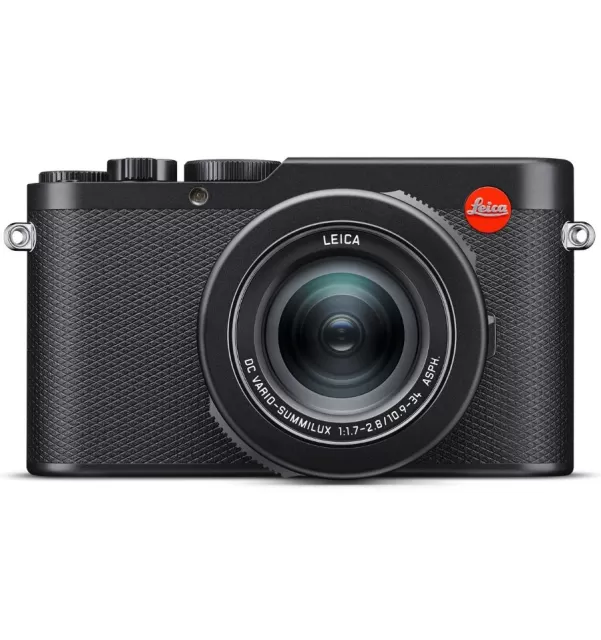
Leica Q (Typ 116), Leica Q-P firmware
Leica · Q (Typ 116), Leica Q-P · Body
Latest firmware for the Leica Q (Typ 116), Leica Q-P is v3.1.
Changelog
Q (Typ 116), Leica Q-P firmware changelog
-
v3.1first tracked
Firmware history
-
Release notes & download
Show release notes Hide release notes
Installation instructions for the Leica Q (Typ 116) and Leica Q-P Firmware 3.1
Dear Customers, Installing the firmware 3.1 on your Leica Q and Leica Q-P will add additional functions and improve performance to your camera.
Update Contents Model Number LEICA Q, LEICA Q-P Update Version 3.1 Update Filename Q116_31_.quf
Overview Version Description
Version 3.1
Easy Connect New QR code for easy pairing of smartphone and camera. 1-Click connection with FN-Button; WLAN starts without submenus on FN-button. Fixed WLAN name and password, no submenus for setting name and password. No submenus for setting a connection mode, e.g. Create WLAN or Join WLAN.
Please follow these steps to install the new firmware for your Leica Q and Leica Q-P camera: Recharge the battery to 100% and insert the battery into the camera.
- Download the new firmware file to your computer.
- Prepare the SD card for installation: a. Please make sure that the card contains at least 200 MB of free disk space. b. It is recommended to format the card inside the camera before continuing. c. Download the new firmware file to your computer. d. Copy the firmware file to the root directory of the SD card. e. Eject the SD card properly from your computer.
- Insert the SD card into the camera and switch the camera on while keeping the video record button pressed.
- Press “Yes” to confirm and start the process; a. You should save your current profiles to the SD card before proceeding with the update. b. Wait until the update installation is completed. c. Restart the camera; do not eject the SD card. d. Please load your last saved profiles from the SD card after the first startup.
- The update process is complete.
CAUTION
Please do NOT turn off your camera, remove the Battery, or remove the SD Memory Card while the update is running. DISREGARDING THIS WARNING CAN CAUSE SERIOUS DAMAGE TO YOUR CAMERA!
Watch the Q (Typ 116), Leica Q-P for updates
Get an email the moment Leica publishes new firmware. Just your email — no account or password needed.