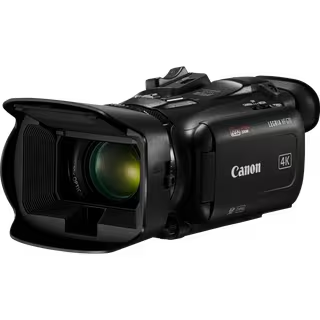
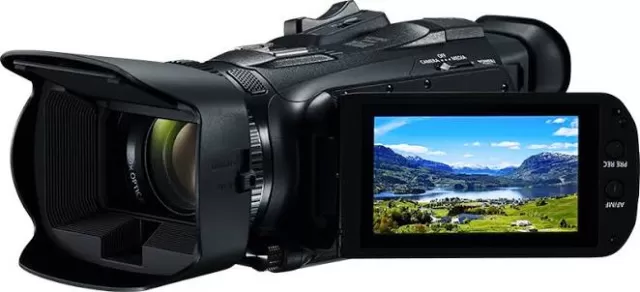
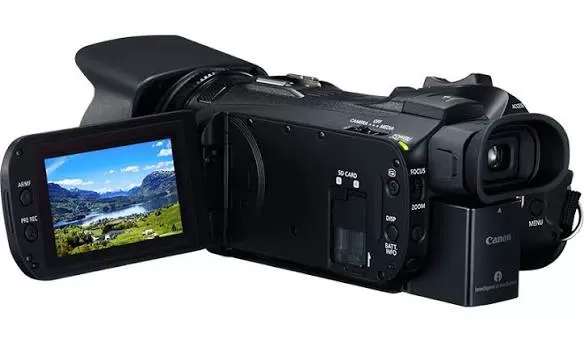
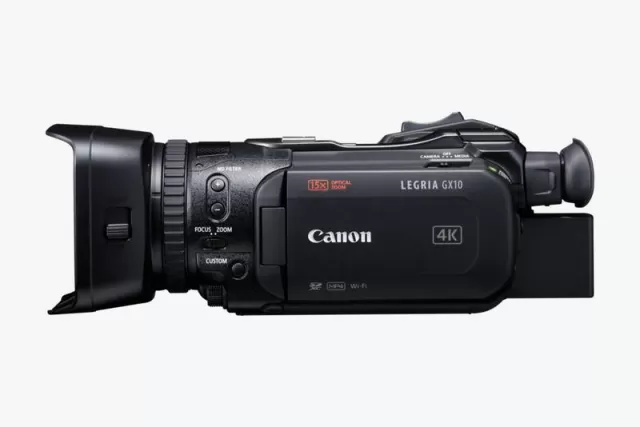
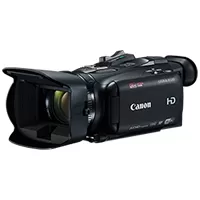
Canon LEGRIA HF G30 firmware
Canon · LEGRIA HF G30 · LEGRIA HF G30 · Video
Latest firmware for the Canon LEGRIA HF G30 is v1.0.5.0 (December 24, 2015).
Changelog
LEGRIA HF G30 firmware changelog
-
v1.0.5.0first tracked
Firmware history
-
Release notes & download
Show release notes Hide release notes
Firmware Version 1.0.5.0 incorporates the following fixes:
- Fixes a phenomenon in which the "White balance mode and setting button", "Aperture button", and "Gain button" do not respond on the Wi-Fi Remote operation screen on an iOS device running iOS 9. The version 1.0.5.0 firmware is for updating camcorders with firmware version 1.0.1.0 - 1.0.4.0. If your camcorder's firmware is already version 1.0.5.0, it is not necessary to update the firmware. Once the camcorder is updated to the latest version, it cannot be restored to a previous version. Preparations for the Firmware Update: After the Firmware update has been performed, the camcorder's menu and custom picture settings will be reset. It is recommended that users save their menu and custom picture settings as settings data to an SD card, separate from the one that will be used to carry out the update, before starting update operations. This saved data can be loaded into the camcorder and the settings can be changed after the update has been completed. For further information on this, please refer to the section in the unit's Instruction Manual titled "Saving and Loading Menu Settings". The downloaded folder contains the firmware (file name: VJE5. FIM / file size: 29,494,144 bytes), and instructions on the firmware update procedures (a PDF file in five languages: Japanese, English, French, Spanish and Simplified Chinese). Before starting the firmware update operations, please be sure to carefully confirm your understanding of these instructions. The following things are required to perform this firmware update:
- A camcorder body
- A computer (OS: Windows) OS Requirements: Windows 10, Windows 8.1, Windows 8, Windows 7 SP1
- A 64 MB or higher-capacity SD/SDHC/SDXC memory card (both commercially available)
- An SD card reader/writer (commercially available) or an SD card slot built into the computer
- A fully charged battery pack for the camcorder
- Compact power adapter bundled with the camcorder
- The firmware (the downloaded file) History Changes in Firmware Version 1.0.4.0:
- Fixes a phenomenon in which flicker compensation may be incorrectly applied when shooting, resulting in flicker and horizontal color stripes in the footage.
- Fixes a phenomenon in which the camera menu will freeze after choosing [Access Point Connection] from the [Wi-Fi] menu when Russian is selected in the language menu and the camera is running Firmware Version 1.0.3.0.
- Fixes a phenomenon in which the audio will be out of sync when recording at 23.98P frame rate and 24 Mbps LPCM Recording Mode is selected.
- Fixes a pre-recording control issue when recording in MP4 format. Changes in Firmware Version 1.0.3.0:
- Enhances compatibility with third-party remote controllers that are connected to the REMOTE terminal.
- Resolves the phenomenon in which the headphones terminal audio output timing is delayed when [Normal] is selected as the [Monitor Delay] option.
- When recording in the MP4 format [59.94P/50P (35Mbps)], changes have been made in the metadata details so that the time codes can be properly displayed in Apple Final Cut Pro X Version 10.0.9.
Watch the LEGRIA HF G30 for updates
Get an email the moment Canon publishes new firmware. Just your email — no account or password needed.