

Canon EOS 7D firmware
Canon · EOS 7D · EOS 7D · Body
Latest firmware for the Canon EOS 7D is v2.0.6 (November 14, 2016).
Specifications
EOS 7D specifications
- Body type
- Mid Size SLR
- Resolution
- 18 MP
- Sensor
- CMOS
- Sensor size
- 22.3 × 14.9 mm
- Processor
- Dual Digic 4
- ISO range
- 100–6400
- Fastest shutter
- 1/8000
- Burst rate
- 8 fps
- Battery life
- 800 shots (CIPA)
- Storage
- Compact Flash (Type I or II), UDMA, Microdrive cards
- Video
- H.264
- Mount
- Canon EF-S
- Weight
- 860 g
- Dimensions
- 148 × 111 × 74 mm
- Weather sealed
- Yes
Changelog
EOS 7D firmware changelog
-
v2.0.6first tracked
Firmware history
-
Release notes & download
Show release notes Hide release notes
Firmware Version 2.0.6 incorporates the following fix: Corrects a phenomenon in which when using the camera with the EF-S 18-135mm f/3.5-5.6 IS USM or EF 70-300mm f/4-5.6 IS II USM lens, even if lens aberration correction is set to ""Enable"", correction will not be applied.
NOTE: Firmware Version 2.0.6 is for cameras with firmware up to Version 2.0.5.
If the camera's firmware is already Version 2.0.6, it is not necessary to update the firmware.
When updating the firmware of your camera, please first review the instructions thoroughly before you download the firmware.
Once the camera is updated to version 2.0.6, it cannot be restored to a previous firmware version. -When the camera is updated to Firmware Version 2.0.6., the following settings will be automatically reset. a) Date/Time setting b) Lens peripheral illumination correction data registered to the camera -Some older versions of the applications listed below do not support functions that are added by the new firmware.
In order to address compatibility issues, please download the latest versions of the applications from our Web site.
The system requirements for the latest applications may be different for the applications that have already been installed to your computer.
For information on the system requirements, please go to our Web site.
If the firmware of your camera has been updated to Version 2.0.6 from Version 1.0.7 through Version 1.2.5: -The instruction manual has been revised accompanying the improvements and additions of functions.
Users are asked to download both the latest firmware and the instruction manual.
You can download the latest instruction manual from our Web site.
Q&A: Preparations for a firmware update: After the downloaded compressed file (.zip file) is extracted, a firmware folder is created.
- Extracting the downloaded file: Right-click the zip file, and then select Extract All to extract the file. The extracted folder contains the firmware (File name: 7D000206. FIR, File size: 17,461,804 bytes) and instructions on the firmware update procedures (a PDF file in five languages: Japanese, English, French, Spanish, and Simplified Chinese). Before starting the firmware update operations, please confirm the contents of the download, and carefully read through the firmware update procedures. (The following is the history of past firmware updates) Q: Are the improvements from previous firmware versions included in Firmware Version 2.0.6? A: Yes, the following improvements from the previous version are included: (Previous) Version 2.0.5
improvements
- Fixes a phenomenon in which the image files cannot be transferred using the FTP protocol via USB cable after the EOS 7D camera has established a wireless connection to the Wireless File Transmitter WFT-E5 (A/B/C/D). *: In compliance with the law regarding electro-magnetic waves in each region, there are four types of WFT-E5 (Types A, B, C, and D) for each of the respective target regions. -The Wireless File Transmitter WFT-E5 must be running Firmware Version 1.0.7 in order to be used with the EOS 7D camera running Firmware Version 2.0.5. (Previous) Version 2.0.3
improvements
- Fixes a phenomenon in which the camera stops working when the auto power off setting takes effect.
- Fixes a phenomenon in which the maximum number of images that can be captured in a burst displayed in the viewfinder may be less than what can actually be captured.
- Corrects some errors in the message displayed on the LCD screen when saving RAW images developed in the camera. (Previous) Version 2.0.0
improvements
- Improves the maximum burst in continuous shooting. JPEG Large/Fine: About 94(126) bursts *1 -> About 110 (130) bursts *2 RAW: About 15 (15) bursts *1 -> About 23 (25) bursts *2 RAW+JPEG Large/Fine: About 6 (6) bursts *1 -> About 17 (17) bursts *2 *1 The figures are based on Canon's testing standards (ISO 100 and Standard Picture Style) using a 4 GB card. The figures in parentheses indicate the number of shots that can be taken with an Ultra DMA (UDMA) 4-GB card, based on Canon's testing standards. *2 The figures are based on Canon's testing standards (ISO 100 and Standard Picture Style) using an 8 GB card. The figures in parentheses indicate the number of shots that can be taken with an Ultra DMA (UDMA) 128-GB card, based on Canon's testing standards.
- Supports a new accessory, GPS Receiver GP-E2.
- Adds an ISO Auto maximum setting.
- Adds an in-camera RAW processing function.
- Adds a Quick Control function during image playback.
- Adds a rating function.
- Adds a JPEG resize function.
- Adds an auto recording level manual adjustment function.
- Adds a function to freely set text for file names.
- Adds a function to make time zone settings.
- Increases the screen scrolling speed when magnifying images.
- Fixes a phenomenon where a slow shutter speed may result when an external flash is used to fire intermittent, consecutive flashes.
- Corrects the color space information in the Exif file for movies. (Previous) Version 1.2.5
improvements
- Fixed a rare phenomenon in which there were rare cases where movie files taken could not be opened when repeatedly shooting movies with specific CF cards.
- Fixed a rare phenomenon in which there were cases where ""Err 02"" appeared when repeatedly shooting still images with specific CF cards.
- Fixed a phenomenon that occurred when using high-capacity (32 GB or greater) CF cards: If either a CF card with only a little available space remaining or the battery was removed and then reinserted into the camera, and then the user attempted to start shooting movies immediately, shooting would stop.
- Improved the writing/reading speeds when using UDMA 7-compatible CF cards.
- Fixed a phenomenon that occurred when custom function C.Fn 4-1 was set to assign IS start to the AF stop button on the lens: When used with lenses that do not have an AF stop button, the IS function would not work.
- Corrected some mistakes in the menu screens displayed in Arabic and Portuguese. (Previous) Version 1.2.3
improvements
- Fixes a phenomenon in which the settings of the Speedlite Transmitter ST-E2 revert to the default settings when both the camera and the ST-E2 are set to auto power off.
- Fixes a phenomenon in which the Macro Ring Lite (MR-14EX, MT24-EX) and slave flashes do not sync while shooting wirelessly. (Previous) Version 1.2.2
improvements
- Fixes a phenomenon in which the set aperture moves unexpectedly when shooting movies in manual exposure mode using some Canon lenses (such as macro lenses). Supplemental Information: This phenomenon involves the aperture of the lens moving unexpectedly when the focusing ring moves (during focusing). Please note that aperture values also change when operating the zoom ring of a zoom lens that has variable maximum aperture values; however, this is a normal operation because the camera controls aperture values properly depending on the focal length (zoom position).
- Fixes the AF point-selection behavior of the C.Fn III-7 (Manual AF pt. selec. pattern) custom function when set to [1]. Fixes a phenomenon in which the AF point-selection does not scroll through the available AF point selections. This would occur when rotating from the AF point in the lower left.
- Fixes the AF point display for the viewfinder electronic level when shooting in the vertical position. Fixes a phenomenon in which the viewfinder Electronic Level incorrectly displays the high side of the camera.
- Corrects misspellings in the Spanish and Thai menus for applicable products. (Previous) Version 1.2.1
improvements
- The camera will allow a longer period of operation before the high temperature warning indicator is displayed, and automatic shut down of the camera occurs, during Live View or when using EOS Movie functions.
- When Auto ISO is used and Program Shift is applied, the ISO setting will be more stable and not change as frequently when the Main Dial is rotated.
- Co
Watch the EOS 7D for updates
Get an email the moment Canon publishes new firmware. Just your email — no account or password needed.
More Canon bodies we track
-
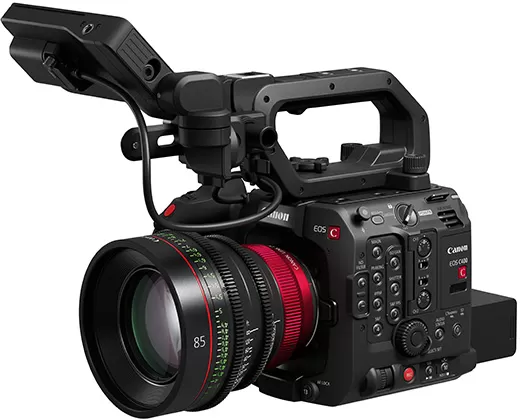 EOS C400
Latest firmware Oct 20, 2026
EOS C400
Latest firmware Oct 20, 2026
-
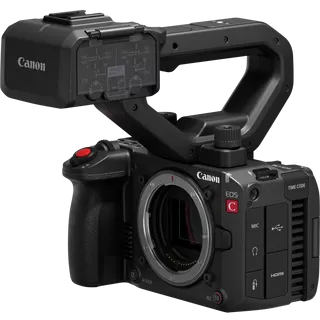 EOS C50
Latest firmware Oct 20, 2026
EOS C50
Latest firmware Oct 20, 2026
-
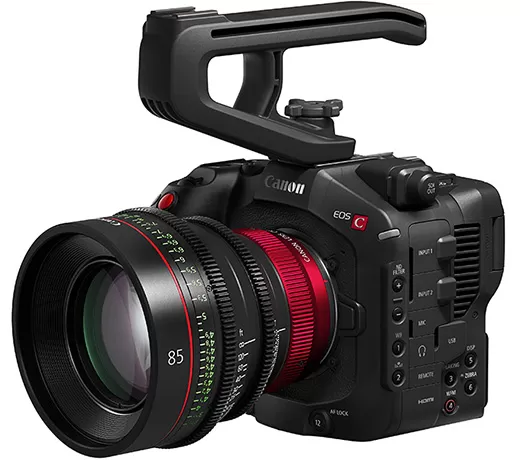 EOS C80
Latest firmware Oct 20, 2026
EOS C80
Latest firmware Oct 20, 2026
-
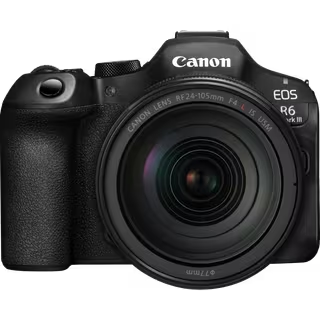 EOS R6 Mark III
Latest firmware Oct 13, 2026
EOS R6 Mark III
Latest firmware Oct 13, 2026
-
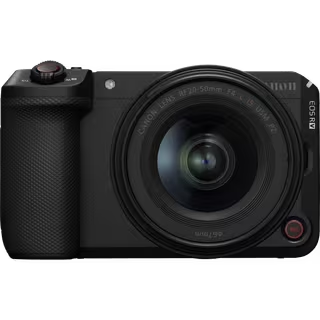 EOS R6 V
Latest firmware Oct 13, 2026
EOS R6 V
Latest firmware Oct 13, 2026
-
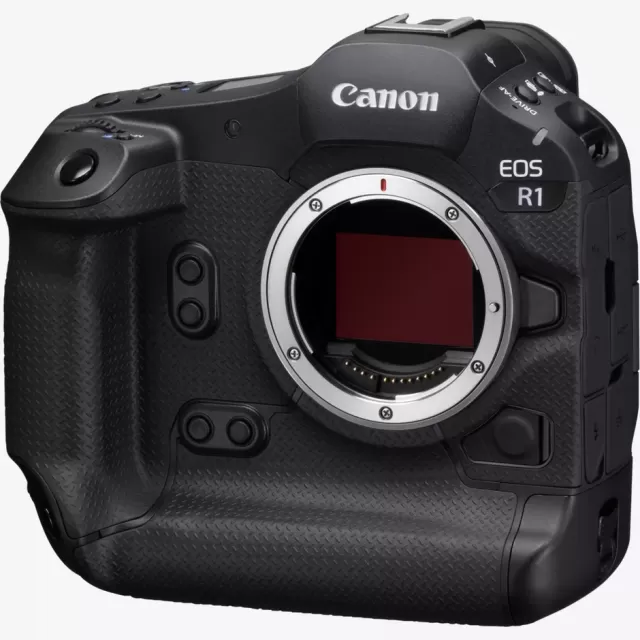 EOS R1
Latest firmware Sep 8, 2026
EOS R1
Latest firmware Sep 8, 2026
Lenses that fit the EOS 7D
Matched on lens mount from the imported specifications — firmware for these is tracked too.
-
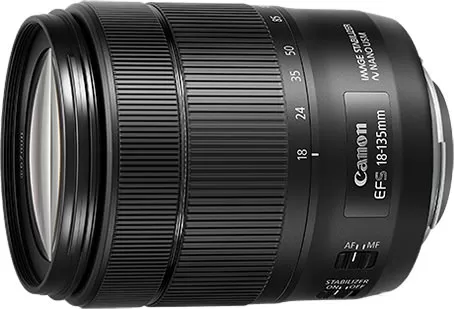 Canon EF-S 18-135mm f/3.5-5.6 IS USM
Latest firmware Aug 7, 2019
Canon EF-S 18-135mm f/3.5-5.6 IS USM
Latest firmware Aug 7, 2019
-
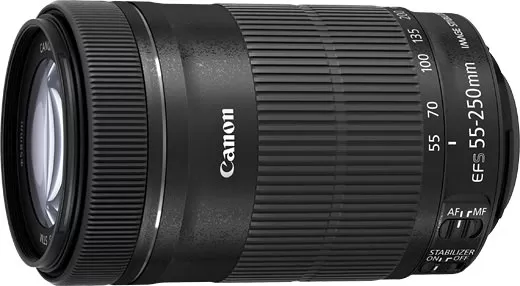 Canon EF-S 55-250mm f/4-5.6 IS STM
Latest firmware Jul 22, 2015
Canon EF-S 55-250mm f/4-5.6 IS STM
Latest firmware Jul 22, 2015
-
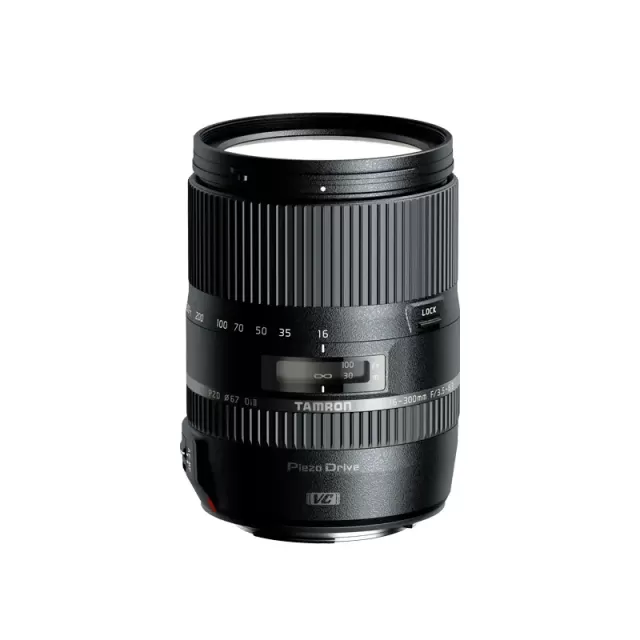 Tamron 16-300mm F/3.5-6.3 Di II VC PZD MACRO (CANON EF)
Lens
Tamron 16-300mm F/3.5-6.3 Di II VC PZD MACRO (CANON EF)
Lens
-
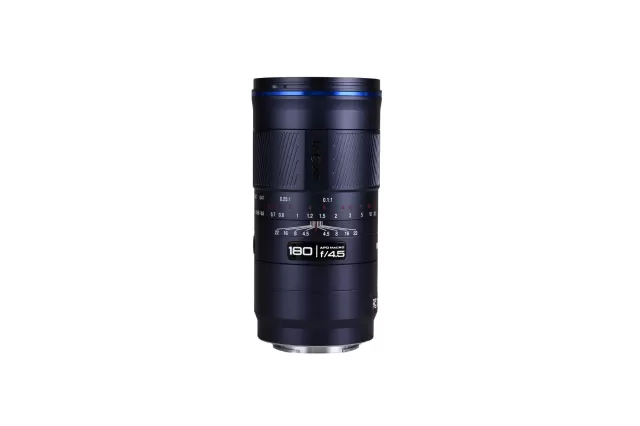 Laowa (Venus Optics) LAOWA 180mm f/4.5 1.5X Ultra Macro APO
Lens
Laowa (Venus Optics) LAOWA 180mm f/4.5 1.5X Ultra Macro APO
Lens
-
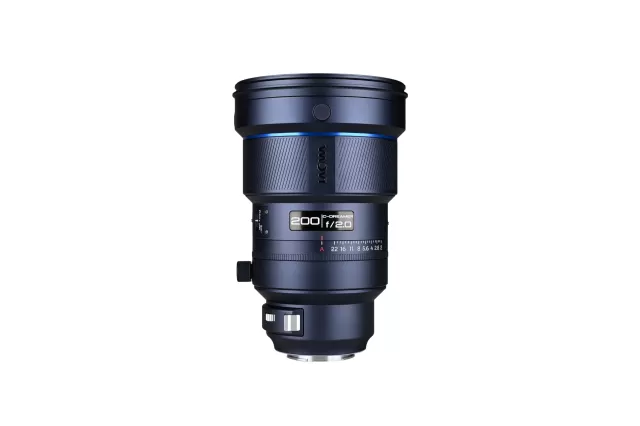 Laowa (Venus Optics) LAOWA 200mm f/2 AF FF
Lens
Laowa (Venus Optics) LAOWA 200mm f/2 AF FF
Lens