

Canon EF-S 55-250mm f/4-5.6 IS STM firmware
Canon · EF-S 55-250mm f/4-5.6 IS STM · EF-S 55-250mm f/4-5.6 IS STM · Lens
Latest firmware for the Canon EF-S 55-250mm f/4-5.6 IS STM is v1.0.3 (July 22, 2015).
Specifications
EF-S 55-250mm f/4-5.6 IS STM specifications
- Focal length
- 55-250mm
- Maximum aperture
- F4-5.6
- Minimum aperture
- F22
- Type
- Zoom Lens
- Filter thread
- 58 mm
- Elements / groups
- 15/12
- Aperture blades
- 7
- Closest focus
- 0.85 m
- Stabilisation
- Yes
- Autofocus
- Yes
- Mount
- Canon EF-S
- Weight
- 375 g
- Dimensions
- 111 × 70 mm
Changelog
EF-S 55-250mm f/4-5.6 IS STM firmware changelog
-
v1.0.3first tracked
Firmware history
-
Release notes & download
Show release notes Hide release notes
Firmware Version 1.0.3 incorporates the following enhancement.
- Improves the autofocus speed when the EF-S 55-250mm f/4-5.6 IS STM is attached to the EOS M3.
- To mount the EF-S 55-250mm f/4-5.6 IS STM to the EOS M3, the mount adapter EF-EOS M is required.
- The enhancement in the autofocus speed only applies when the lens is used with the EOS M3. Firmware Version 1.0.3 is for lenses with firmware Version 1.0.2. If the lens firmware is already Version 1.0.3, it is not necessary to update the firmware. Identification procedure If the 3rd digit in the serial number of your lens is either 0, 1, or 2, then it is equipped with firmware Version 1.0.2 e.g. xx0xxxxxxx, xx1xxxxxxx, xx2xxxxxxx Lenses with serial numbers other than those listed above are equipped with firmware Version 1.0.3 or later. Cautions:
- To update the firmware of the EF-S 55-250mm f/4-5.6 IS STM, the EOS M3 and the mount adapter EF-EOS M are required.
- If an extension tube is attached, the firmware update may not be carried out successfully, so please make sure to detach the extension tube before performing the firmware update.
- For this firmware update to be effective, you need to update the firmware of the EOS M3 to the latest version (Version 1.0.1 or later). Customers who do not own an EOS M3, but wish to have the firmware of their lenses updated with Firmware Version 1.0.3 are asked to contact the Canon Customer support Center. Q&A: Preparations for a firmware update: Windows After the downloaded compressed file (.zip) is extracted, a firmware folder is created.
- Extracting the downloaded file: Right-click the zip file, and then select Extract All to extract the file. Preparations for the firmware update: In the folder you downloaded is the firmware (file name: EF010103.lfu / file size: 1,441,844 bytes), and instructions on the update procedures (a PDF file in five languages: Japanese, English, French, Spanish, and Simplified Chinese). Before updating the firmware of your lens, please be sure to carefully confirm your understanding of these instructions.
Watch the EF-S 55-250mm f/4-5.6 IS STM for updates
Get an email the moment Canon publishes new firmware. Just your email — no account or password needed.
More Canon lenses we track
-
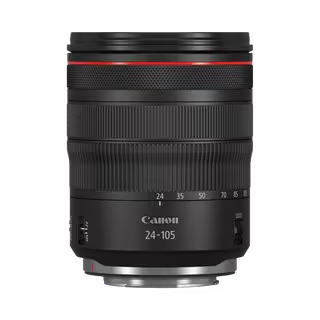 RF 24-105mm F4L IS USM
Latest firmware Jan 5, 2026
RF 24-105mm F4L IS USM
Latest firmware Jan 5, 2026
-
 RF 100-300mm F2.8 L IS USM
Latest firmware Feb 17, 2025
RF 100-300mm F2.8 L IS USM
Latest firmware Feb 17, 2025
-
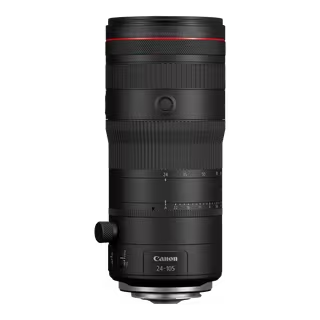 RF 24-105mm F2.8 L IS USM Z
Latest firmware Feb 17, 2025
RF 24-105mm F2.8 L IS USM Z
Latest firmware Feb 17, 2025
-
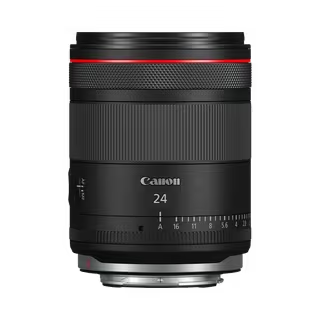 RF 24mm F1.4L VCM
Latest firmware Feb 17, 2025
RF 24mm F1.4L VCM
Latest firmware Feb 17, 2025
-
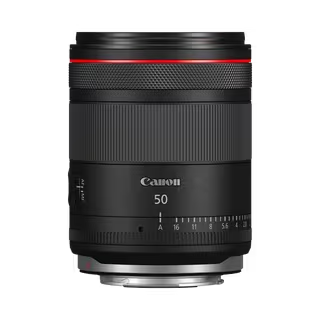 RF 50mm F1.4L VCM
Latest firmware Feb 17, 2025
RF 50mm F1.4L VCM
Latest firmware Feb 17, 2025
-
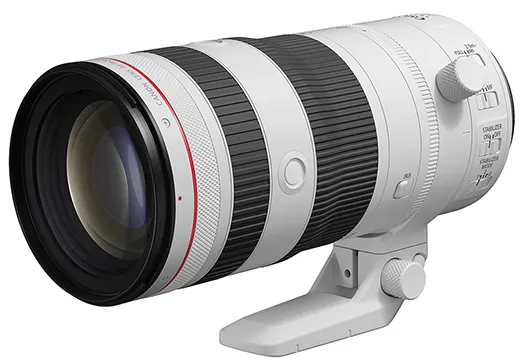 RF 70-200mm F2.8 L IS USM Z
Latest firmware Feb 17, 2025
RF 70-200mm F2.8 L IS USM Z
Latest firmware Feb 17, 2025