

Canon EOS 60Da firmware
Canon · EOS 60Da · EOS 60Da · Body
Latest firmware for the Canon EOS 60Da is v1.1.2 (November 14, 2016).
Specifications
EOS 60Da specifications
- Body type
- Mid Size SLR
- Resolution
- 18 MP
- Sensor
- CMOS
- Sensor size
- 22.3 × 14.9 mm
- Processor
- Digic 4
- ISO range
- 100–6400
- Fastest shutter
- 1/8000
- Burst rate
- 5.3 fps
- Battery life
- 1100 shots (CIPA)
- Storage
- SD/SDHC/SDXC
- Video
- H.264
- Mount
- Canon EF-S
- Weight
- 755 g
- Dimensions
- 145 × 106 × 79 mm
- Weather sealed
- Yes
Changelog
EOS 60Da firmware changelog
-
v1.1.2first tracked
Firmware history
-
Release notes & download
Show release notes Hide release notes
Firmware Version 1.1.2 incorporates the following fix: Corrects a phenomenon in which when using the camera with the EF-S 18-135mm f/3.5-5.6 IS USM or EF 70-300mm f/4-5.6 IS II USM lens, even if lens aberration correction is set to ""Enable"", correction will not be applied.
Firmware Version 1.1.2 is for cameras with firmware up to Version 1.1.1.
If the camera's firmware is already Version 1.1.2, it is not necessary to update the firmware.
When updating the firmware of the camera, please review the instructions thoroughly before you download the firmware.
Q&A: Preparations for a firmware update: After the downloaded compressed file (.zip file) is extracted, a firmware folder is created.
- Extracting the downloaded file: Right-click the zip file, and then select Extract All to extract the file. The extracted folder contains the firmware (File name: 60D00112. FIR, File size: 11,601,212 bytes) and instructions on the firmware update procedures (a PDF file in five languages: Japanese, English, French, Spanish, and Simplified Chinese). Before starting the firmware update operations, please confirm the contents of the download, and carefully read through the firmware update procedures. (The following is the history of past firmware updates) Q: Are the improvements from previous firmware versions included in Firmware Version 1.1.2? A: Yes, the following improvements from the previous version are included: (Previous) Version 1.1.1
improvements
- Fixes a phenomenon where the camera's serial number that is displayed in the shooting information of the image does not display the correct serial number. *1)
- Corrects errors in the Greek, Italian, and Portuguese menu screens. *1) If the camera's serial number is 2147483648 or higher and the camera firmware is Version 1.1.0 or earlier, the images captured with the camera will be affected by the phenomenon listed in 1. above. This phenomenon only affects the EOS 60D, and does not affect the EOS 60Da. Both of these cameras are equipped with the same firmware. To obtain the serial number correctly in the shooting information of images that are already captured using the old firmware, we are preparing updates for Digital Photo Professional and ZoomBrowser EX / ImageBrowser applications. Once the software updates are ready, we will make an announcement on our Web site. (Previous) Version 1.1.0
improvements
- Fixes a phenomenon where the wireless built-in flash settings are reset to defaults when the battery is removed from the camera.
- Fixes an intermittent phenomenon where image-rotation information is not recognized correctly when shooting with the camera in the vertical position depending on the timing of the shutter release. (Previous) Version 1.0.9
improvements
- Changes the name of the feature called ""Art Filters"" to ""Creative Filters"" (which is used in markets other than Japan) in the Japanese version to make the terms consistent. (This change only applies to the Japanese version and does not apply to other language versions.)
- Fixes a phenomenon where the camera may operate abnormally when it is set to Quick Mode AF during Live View shooting immediately after capturing an image with the C.Fn II-1 Long exposure noise reduction setting set to [2: On] and a shutter speed setting of 5 seconds or more.
- Fixes a phenomenon where the camera may operate abnormally when after Live View shooting, the remote switch on the EOS Utility screen is pressed to immediately start movie-shooting. This phenomenon only occurs when the camera is connected to a compatible personal computer and the Remote Live View function of EOS Utility software is being used. (Previous) Version 1.0.8
improvements
- Fixes a phenomenon where captured images may become overexposed when using the camera's built-in flash or an external Speedlite in combination with the lenses listed below. a) EF300/4 L IS USM b) EF28-135/3.5-5.6 IS USM c) EF75-300/4-5.6 IS USM d) EF100-400/4.5-5.6 L IS USM
Watch the EOS 60Da for updates
Get an email the moment Canon publishes new firmware. Just your email — no account or password needed.
More Canon bodies we track
-
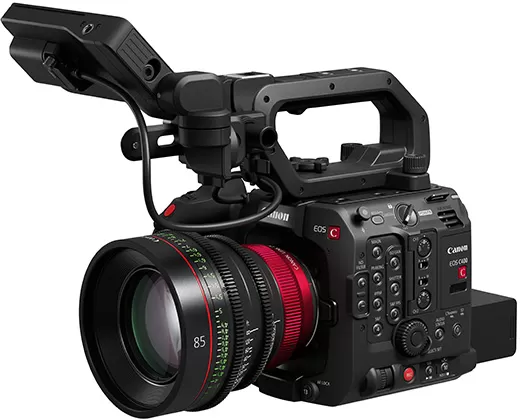 EOS C400
Latest firmware Oct 20, 2026
EOS C400
Latest firmware Oct 20, 2026
-
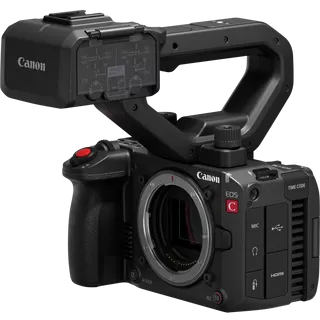 EOS C50
Latest firmware Oct 20, 2026
EOS C50
Latest firmware Oct 20, 2026
-
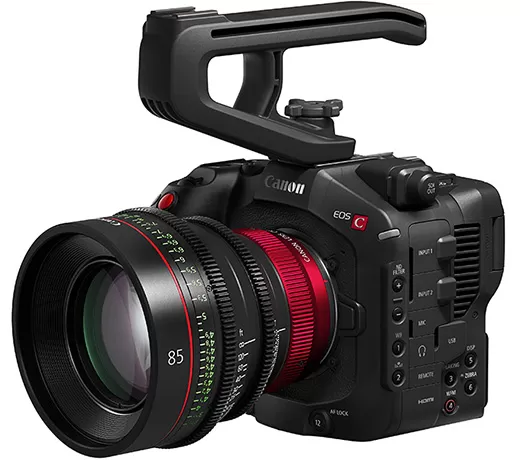 EOS C80
Latest firmware Oct 20, 2026
EOS C80
Latest firmware Oct 20, 2026
-
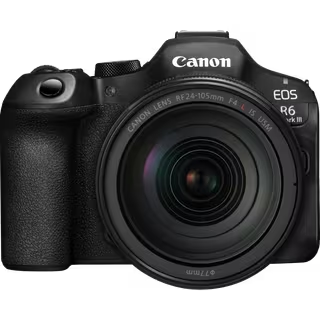 EOS R6 Mark III
Latest firmware Oct 13, 2026
EOS R6 Mark III
Latest firmware Oct 13, 2026
-
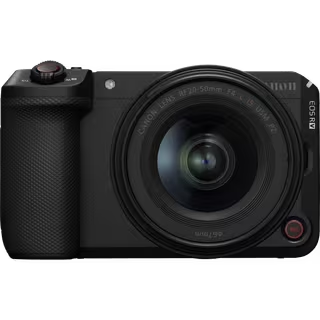 EOS R6 V
Latest firmware Oct 13, 2026
EOS R6 V
Latest firmware Oct 13, 2026
-
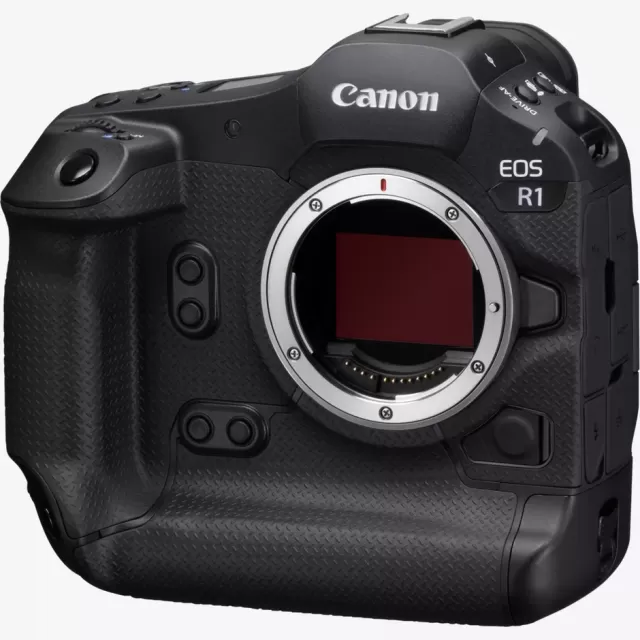 EOS R1
Latest firmware Sep 8, 2026
EOS R1
Latest firmware Sep 8, 2026
Lenses that fit the EOS 60Da
Matched on lens mount from the imported specifications — firmware for these is tracked too.
-
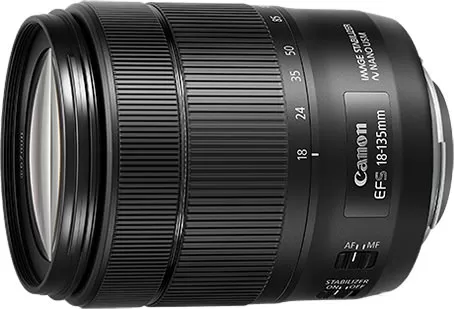 Canon EF-S 18-135mm f/3.5-5.6 IS USM
Latest firmware Aug 7, 2019
Canon EF-S 18-135mm f/3.5-5.6 IS USM
Latest firmware Aug 7, 2019
-
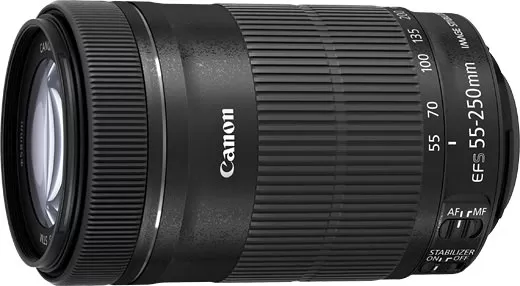 Canon EF-S 55-250mm f/4-5.6 IS STM
Latest firmware Jul 22, 2015
Canon EF-S 55-250mm f/4-5.6 IS STM
Latest firmware Jul 22, 2015
-
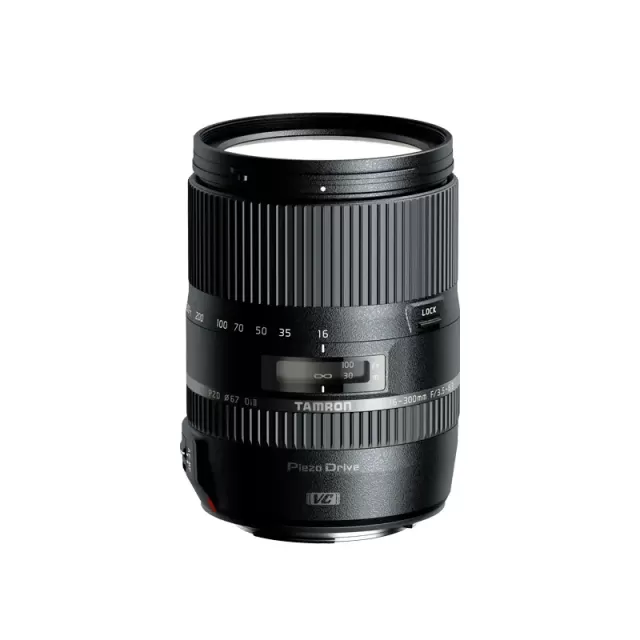 Tamron 16-300mm F/3.5-6.3 Di II VC PZD MACRO (CANON EF)
Lens
Tamron 16-300mm F/3.5-6.3 Di II VC PZD MACRO (CANON EF)
Lens
-
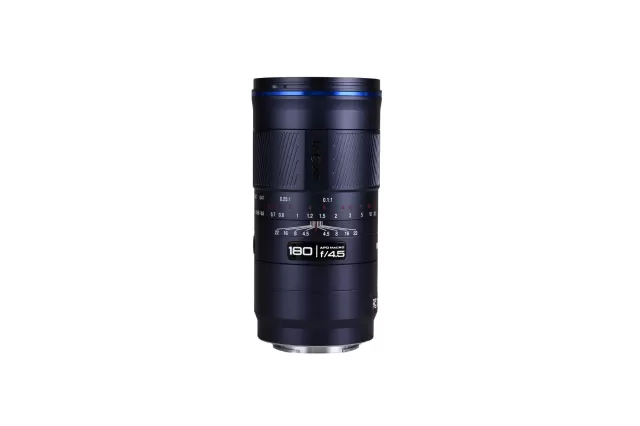 Laowa (Venus Optics) LAOWA 180mm f/4.5 1.5X Ultra Macro APO
Lens
Laowa (Venus Optics) LAOWA 180mm f/4.5 1.5X Ultra Macro APO
Lens
-
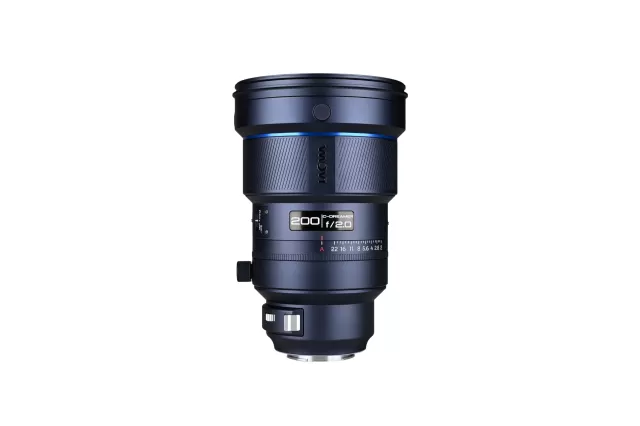 Laowa (Venus Optics) LAOWA 200mm f/2 AF FF
Lens
Laowa (Venus Optics) LAOWA 200mm f/2 AF FF
Lens