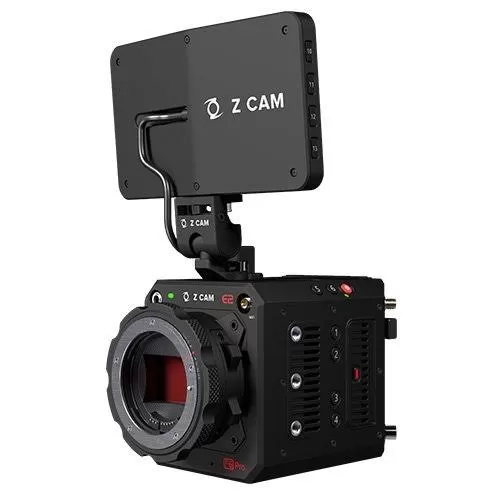
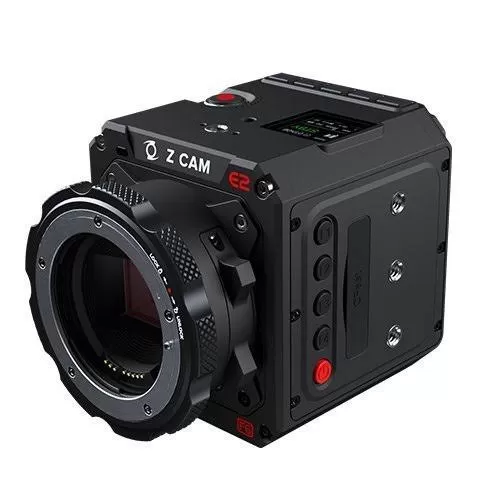
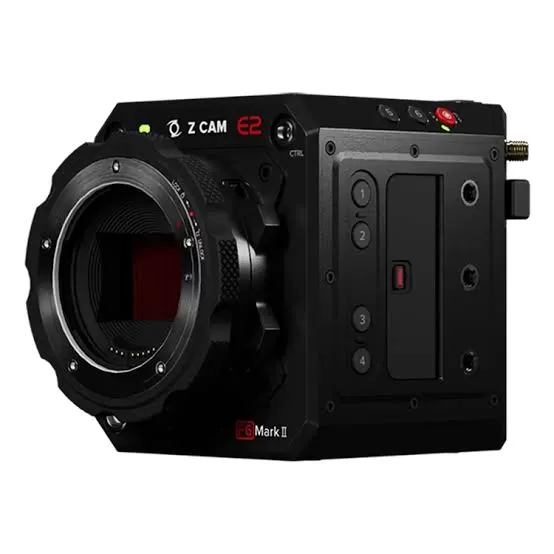
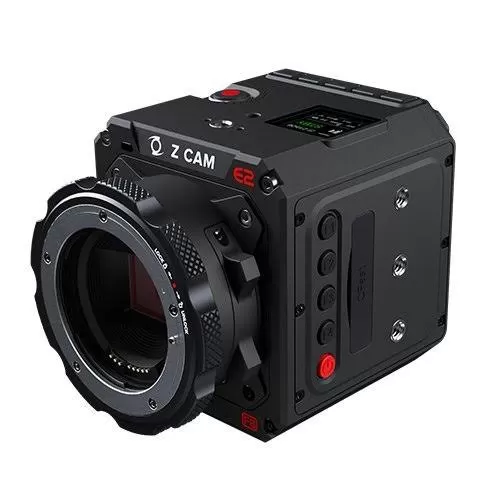
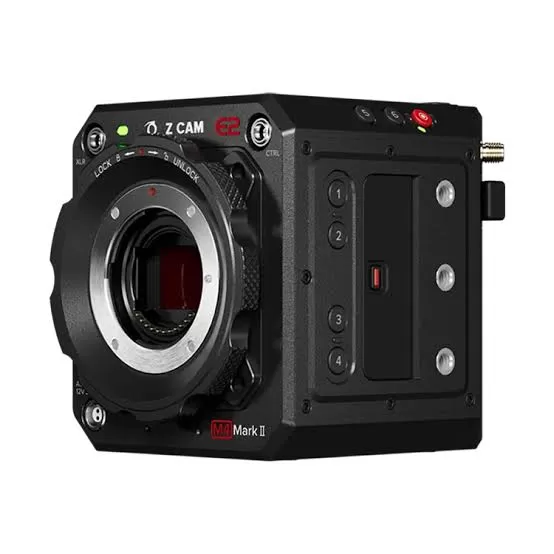
Z CAM E2 firmware
Z CAM · Z CAM E2 · Body
Latest firmware for the Z CAM E2 is v1.0.19 (October 13, 2026).
Changelog
Z CAM E2 firmware changelog
Firmware history
-
Release notes & download
Show release notes Hide release notes
Release Notes:
- Optimized: Timecode
- Other minor bug fixes
-
Release notes & download
Show release notes Hide release notes
Release Notes:
- Added 30/60fps (only supported in regular 8K, 6K, 5K, 4K, and 1080p resolutions)
- Added NDI recommended bit rate selections (On: use NDI standard bit rate, Off: use bit rate set in web client)
- Optimized: HTTP security control
- Optimized: UART feature
- Optimzied: Timecode
- Optimized: Web album
- Optimized: HDMI playback control (follow recorded file changes)
- Other minor bug fixes
-
Release notes & download
Show release notes Hide release notes
Release Notes:
- Added SSP streaming in replay mode
- Added PTP timestamp
- Added H.264 support for VFR (same as H.265)
- Solved Ninja V live view flickering issue in "raw over HDMI" mode
- Solved other bugs
-
Release notes & download
Show release notes Hide release notes
Release Notes:
- Optimised multiple stream output, web client now supports stream1 & stream2 settings.
- Added "TCP Serial Bridge" to UART roles.
- Other bug fixes.
-
Release notes & download
Show release notes Hide release notes
Release Notes: Added:
- 2880x1620 resolution (on E2-F6 only)
- IP stream OSD (Date, time, device name)
- PCM A-law audio support in RSTP
- HDMI/SDI 24fps selection when project frame rate = 30/60fps
- Color bar selection
- Audio level display on web client
- AEL, AFL, AWL icon display on web client
- Camera language setting on web client Optimised:
- AE lock & AWB lock
- API now supports IANA time zone format
- Media card format from remote now requires Authentication
-
Release notes & download
Show release notes Hide release notes
Release Notes:
- Added shutter speed up to 1/10000
- Optimized frame rate accuracy
- Optimized SDI output
- Other minor bug fixes
-
Release notes & download
Show release notes Hide release notes
Release Notes:
- Added: Z CAM EzPlay support
- Added: Video Flip when using H.265/H.264 (not supported in ProRes mode)
- Added: Gamma/Matrix/Color Correction settings.
- Added: Scope / Zebra / False Color in web client.
- Improved: Gallery user interface optimized in web client.
- Changed: Multicam Synchronisation naming: Main/Subordinate
- Changed: IP Access Management|Allow List / Deny List
- Fixed: System auto restart bug in 1.0.8 release
-
Version
1.0.7First seen Jul 11, 2026Release notes not published by vendor — see official page.
Release notes & download -
Version
1.0.6First seen Jul 11, 2026Release notes & downloadShow release notes Hide release notes
Release Notes:
- Added Z CAM EzLink trigger option
- Updated user interface of the web client
- Other bug fixes User Manual (0.98 firmware release) Z CAM E2 Flagship Series:
E2-M4 / E2-S6 / E2-S6G / E2-F6 / E2-F8
↓ User Manual (0.89 firmware release)
Z CAM E2
↓ Camera Calibration ↓ Synchronize time code with external device ↓ Z CAM PixelLink - Multi Camera Sync Multi Camera Sync via Star-Topology LAN*
- Limited to Z CAM E2 and special Z CAM models equipped with a dedicated sync port.
↓ Z CAM EzLink - Multi Camera Sync Multi Camera Sync via Star-Topology LAN ↓ Github ↓ Watch tutorials on our official YouTube channel .
Watch the Z CAM E2 for updates
Get an email the moment Z CAM publishes new firmware. Just your email — no account or password needed.