

Sigma ELECTRONIC FLASH EF-630 (SIGMA SA-mount) firmware
Sigma · ELECTRONIC FLASH EF-630 (SIGMA SA-mount)
Latest firmware for the Sigma ELECTRONIC FLASH EF-630 (SIGMA SA-mount) is v1.05 (August 5, 2021).
Changelog
ELECTRONIC FLASH EF-630 (SIGMA SA-mount) firmware changelog
-
v1.03v1.04Fixed occasional communication loss after the flash recovers from Auto Power Off. -
v1.02v1.03Fixes distance display unit switching in custom mode and occasional unintended flashing with Sync Terminal use. -
v1.01v1.02Adds sd Quattro camera support and improves color reproduction in Flash mode. -
v1.01first tracked LCD remains lit during menu navigation, two-stage caution prevents overheating, serial number display corrected.
Firmware history
-
Release notes & download
Show release notes Hide release notes
It has changed the term of flash function to “Transmitter (TX) / Receiver (RX) Receive & Flash (R & FL)”.
-
Fixed occasional communication loss after the flash recovers from Auto Power Off. — summary by updatemystuff.com
Release notes & downloadShow release notes Hide release notes
It has corrected the phenomenon where it occasionally stops communicating after recovering from Auto Power Off.
- SIGMA FLASH USB DOCK FD-11 for SIGMA with firmware Ver.1.01 will be required to update the firmware.
- Before updating the firmware of the SIGMA ELECTRONIC FLASH EF-630, please update SIGMA Optimization Pro to Ver. 1.4.1 or later for Windows, and Ver. 1.4.0 or later for Macintosh.
- It takes about 3 minutes to update the firmware.
-
Fixes distance display unit switching in custom mode and occasional unintended flashing with Sync Terminal use. — summary by updatemystuff.com
Release notes & downloadShow release notes Hide release notes
It corrects the phenomenon that the distance display cannot be switched between meters and feet in custom mode. It corrects the phenomenon that it occasionally flashes unintentionally when the Sync. Terminal is used.
- Please ensure to update SIGMA Optimization Pro to Ver1.4.1 for Windows, and Ver1.4.0 for Macintosh before updating the firmware.
- It takes about 3 minutes to update the firmware.
-
Adds sd Quattro camera support and improves color reproduction in Flash mode. — summary by updatemystuff.com
Release notes & downloadShow release notes Hide release notes
It has supported the sd Quattro camera’s firmware which improves the color reproduction when the Flash mode is selected in the White balance setting.
- It is necessary to update SIGMA sd Quattro camera’s firmware to the latest version.
- The firmware can be updated using SIGMA FLASH USB DOCK FD-11 for SIGMA.
- Please ensure to update SIGMA Optimization Pro to Ver1.4.1 for Windows, and Ver1.4.0 for Macintosh before updating the firmware.
- It takes about 3 minutes to update.
-
LCD remains lit during menu navigation, two-stage caution prevents overheating, serial number display corrected. — summary by updatemystuff.com
Release notes & downloadShow release notes Hide release notes
The LCD Panel Light is now kept on continuously while selecting DISPLAY SETTING.It has changed the setting of Caution display to be two-stage to prevent overheating of the flashgun’s circuitry after continuous firing.
It has corrected the phenomenon where the correct serial number was not displayed.
- Please check if correct serial number is displayed by reconnecting the ELECTRONIC FLASH EF-630 after completing the firmware update.
- If you are using SIGMA Optimization Pro Ver1.3 or earlier, please ensure to update it to Ver1.3.1 before updating the firmware.
- It takes about 3 minutes to update.
Watch the ELECTRONIC FLASH EF-630 (SIGMA SA-mount) for updates
Get an email the moment Sigma publishes new firmware. Just your email — no account or password needed.
More Sigma products we track
-
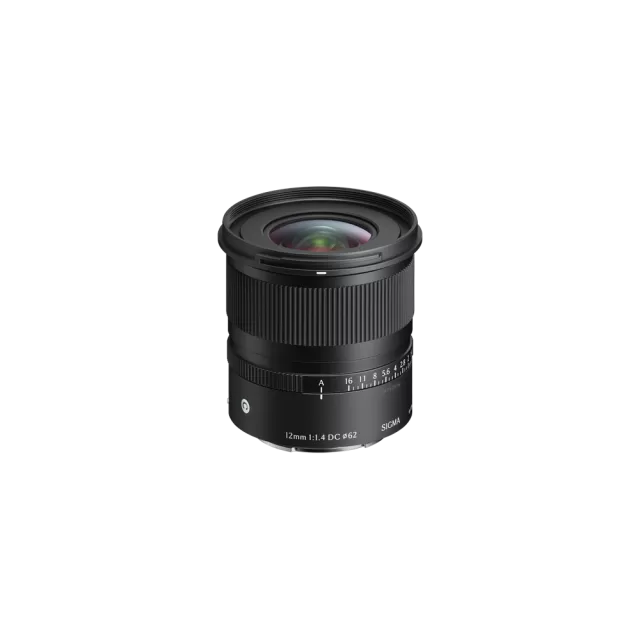 12mm F1.4 DC | Contemporary (Sony E-mount)
Latest firmware Sep 17, 2026
12mm F1.4 DC | Contemporary (Sony E-mount)
Latest firmware Sep 17, 2026
-
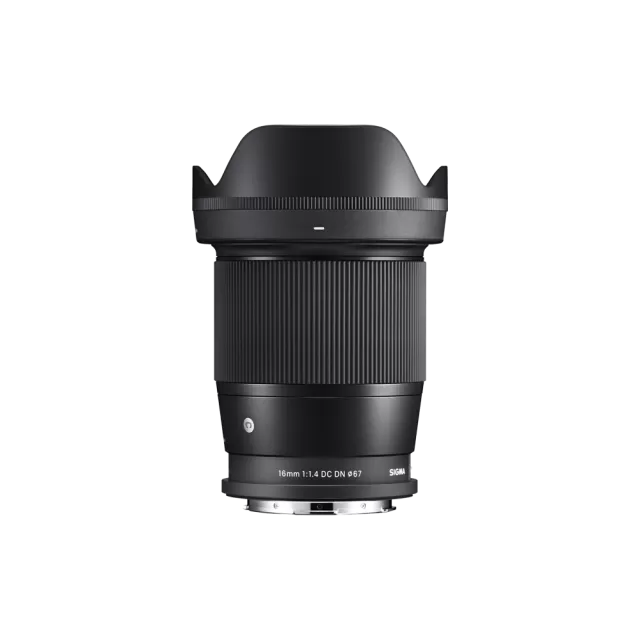 16mm F1.4 DC DN | Contemporary (Sony E-mount)
Latest firmware Sep 17, 2026
16mm F1.4 DC DN | Contemporary (Sony E-mount)
Latest firmware Sep 17, 2026
-
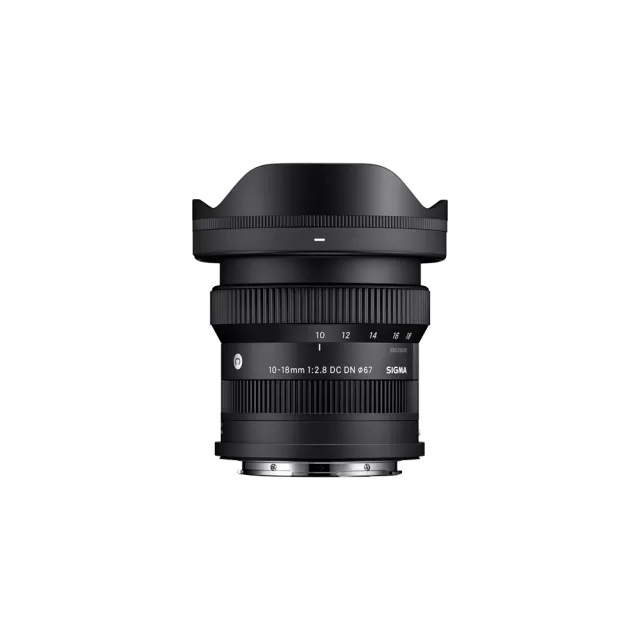 23mm F1.4 DC DN | Contemporary (Sony E-mount)
Latest firmware Sep 17, 2026
23mm F1.4 DC DN | Contemporary (Sony E-mount)
Latest firmware Sep 17, 2026
-
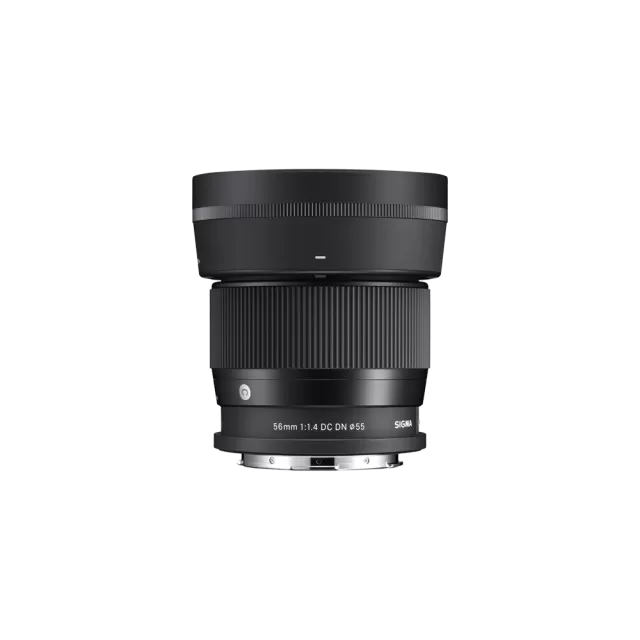 56mm F1.4 DC DN | Contemporary (Sony E-mount)
Latest firmware Sep 17, 2026
56mm F1.4 DC DN | Contemporary (Sony E-mount)
Latest firmware Sep 17, 2026
-
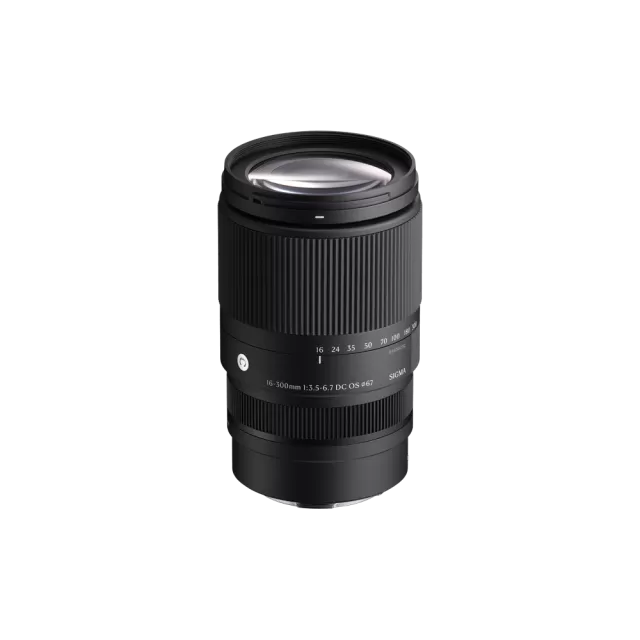 16-300mm F3.5-6.7 DC OS | Contemporary (Canon RF Mount)
Latest firmware Aug 27, 2026
16-300mm F3.5-6.7 DC OS | Contemporary (Canon RF Mount)
Latest firmware Aug 27, 2026
-
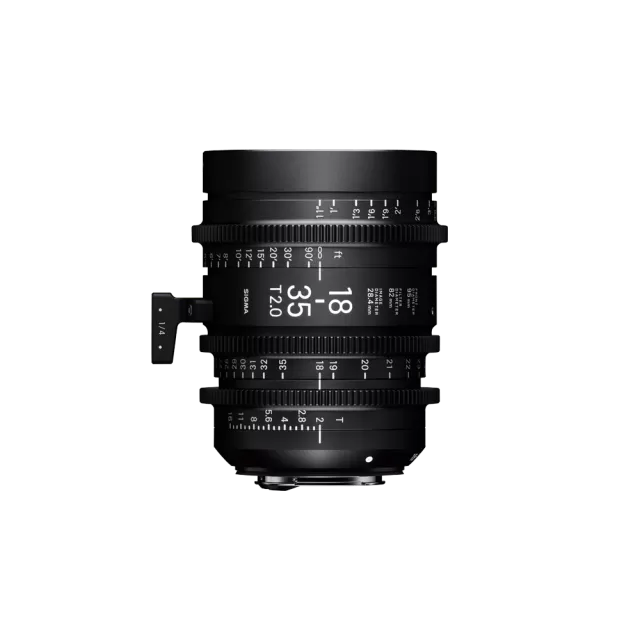 18-35mm T2 (Canon EF mount)
Latest firmware Aug 27, 2026
18-35mm T2 (Canon EF mount)
Latest firmware Aug 27, 2026