

Canon RF 100 firmware
Canon · RF 100 · RF 100 · Lens
Latest firmware for the Canon RF 100 is v1.1.0.
Changelog
RF 100 firmware changelog
-
v1.0.8first tracked
Firmware history
-
Release notes & download
Show release notes Hide release notes
Firmware Version 1.1.0 incorporates the following improvement:
- Improves performance of the image stabilization when using the electronic shutter of the EOS R3 camera during still image shooting. Firmware Version 1.1.0 is for lenses with firmware versions up to Version 1.0.9. If the lens' firmware is already Version 1.1.0, it is not necessary to update the firmware. You can check the firmware version of the lens from the camera menu. Refer to the camera instruction manual for how to check the current firmware version. Preparations for the firmware update: In the folder you downloaded are the firmware ( RF029110.afu / file size: 2,883,636 bytes) and instructions on the firmware update procedures (a PDF file in five languages: Japanese, English, French, Spanish, and Simplified Chinese). Before starting the firmware update operations, please be sure to check the procedure in accordance with the instruction.
-
Version
1.0.8First seen Jul 5, 2026Release notes & downloadShow release notes Hide release notes
Firmware Version 1.0.8 incorporates the following enhancement and fix:
- Improves AF tracking performance during zooming in still photography when used with specific cameras*1. Enhances smoothness of AF tracking during zoom operations in video recording. *1 Applicable cameras (as of February 20, 2025): EOS R1/EOS R5 Mark II
- Fixes an issue where Err 60 may occur after the camera is turned on, or resumes operation from the [Auto Power Off] state. If the lens' firmware is already Version 1.0.8, it is not necessary to update the firmware. You can check the firmware version of the lens from the camera menu. Refer to the camera instruction manual for how to check the current firmware version. Preparations for a firmware update: After the downloaded compressed file (.zip) is extracted, a firmware folder is created.
- Extracting the downloaded file: Right-click the zip file, and then select Extract All to extract the file. In the folder you downloaded are the firmware (RF046108.afu / file size: xxx, xxx, xxx bytes) and instructions on the firmware update procedures (a PDF file in five languages: Japanese, English, French, Spanish, and Simplified Chinese). Before starting the firmware update operations, please be sure to carefully review the instructions to confirm your understanding of the firmware update procedures. (The following is the history of past firmware updates.) Changes in version 1.0.6:
- Improves focus, making it more easily achievable, even when performing fast zooming operations.
- Improves the Panning Assist control feature for 2nd and subsequent images captured during continuous shooting when using the electronic shutter.
Watch the RF 100 for updates
Get an email the moment Canon publishes new firmware. Just your email — no account or password needed.
More Canon lenses we track
-
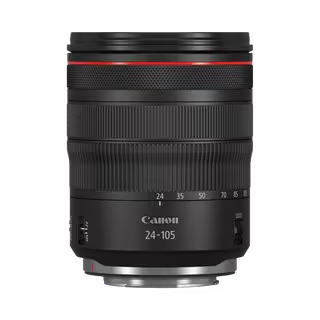 RF 24-105mm F4L IS USM
Latest firmware Jan 5, 2026
RF 24-105mm F4L IS USM
Latest firmware Jan 5, 2026
-
 RF 100-300mm F2.8 L IS USM
Latest firmware Feb 17, 2025
RF 100-300mm F2.8 L IS USM
Latest firmware Feb 17, 2025
-
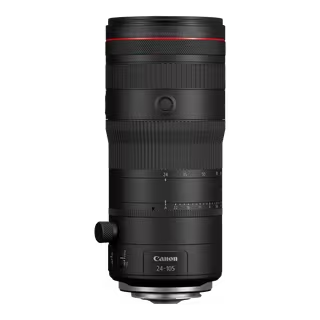 RF 24-105mm F2.8 L IS USM Z
Latest firmware Feb 17, 2025
RF 24-105mm F2.8 L IS USM Z
Latest firmware Feb 17, 2025
-
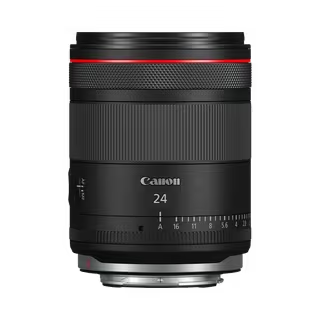 RF 24mm F1.4L VCM
Latest firmware Feb 17, 2025
RF 24mm F1.4L VCM
Latest firmware Feb 17, 2025
-
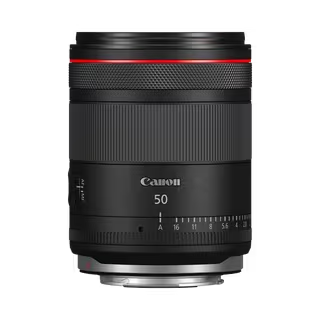 RF 50mm F1.4L VCM
Latest firmware Feb 17, 2025
RF 50mm F1.4L VCM
Latest firmware Feb 17, 2025
-
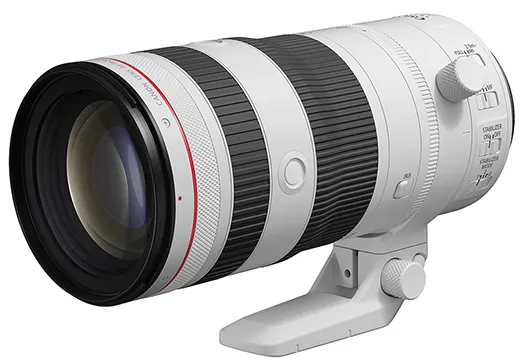 RF 70-200mm F2.8 L IS USM Z
Latest firmware Feb 17, 2025
RF 70-200mm F2.8 L IS USM Z
Latest firmware Feb 17, 2025