Canon EOS R50 V firmware
Canon · EOS R50 V · EOS R50 V · Body
Latest firmware for the Canon EOS R50 V is v1.2.0 (April 27, 2026).
Specifications
EOS R50 V specifications
- Body type
- Rangefinder Style Mirrorless
- Resolution
- 24.2 MP
- Sensor
- CMOS
- Sensor size
- 22.3 × 14.9 mm
- Processor
- Digic X
- ISO range
- 100–32000
- Fastest shutter
- 1/4000
- Burst rate
- 12 fps
- Storage
- UHS-II SD
- Video
- XFAVC, H.264, H.265
- Mount
- Canon RFS
- Weight
- 370 g
- Dimensions
- 119 × 74 × 45 mm
- Weather sealed
- No
- Price at launch
- $649
Changelog
EOS R50 V firmware changelog
-
v1.1.1first tracked
Firmware history
-
Release notes & download
Show release notes Hide release notes
Firmware Version 1.2.0 incorporates the following enhancements and fixes:
- Adds the ability to set [AF for close-up demos] during movie recording in [Movie manual exp.], [Movie auto exposure], and other Creative Zone modes to allow for its use in combination with exposure and AF area settings.
- Adds [Wi-Fi freq. band] to [Communication Settings], allowing the user to select the 5 GHz or 2.4 GHz band when transferring from Bluetooth to Wi-Fi.
- Adds the ability to set [False Color Settings] to [On] when [HDR/C.Log View Assist] is selected.
- Adds the option for grid display during movie recording.
- Adds support for the Wireless Remote Controller BR-E2.
- Improves display settings when using the RF-S7.8mm F4 STM Dual lens and adds [3:2] and [1:1] as new selectable options for [Still img. aspect ratio].
- Adds support for the Software Development Assistance Kit (EDSDK/CCAPI).
- Fixes an issue that may impact the camera's ability to operate properly when shooting with the touch shutter in an extremely dark environment.
- Fixes an issue that may cause the camera to not be recognized when connected to a smartphone via USB.
- Improves other system stability. If the camera's firmware is already Version 1.2.0, it is not necessary to update the firmware. Please perform the firmware update with only the firmware file to be updated stored on the memory card. Notes: Users manual in the WEB is updated accordingly. Please download the manual as well as the latest firmware. You can download it from the official WEB site. Preparations for a firmware update: After the downloaded compressed file (.zip) is extracted, a firmware folder is created.
- Extracting the downloaded file: Right-click the zip file, and then select Extract All to extract the file. In the folder you downloaded are the firmware (R50V1200. FIR / file size: 76,908,272 bytes) and instructions on the firmware update procedures (a PDF file in five languages: Japanese, English, French, Spanish, and Simplified Chinese). Before starting the firmware update operations, please be sure to carefully review the instructions to confirm your understanding of the firmware update procedures. (The following is the history of past firmware updates.) Changes in version 1.1.0:
- Improves security features. A password must be set initially.
- Adds the ability to review the history of any changes made to the password, network information, or other settings.
- For more information, please refer to the 'Setting a Password' section in the Advanced User Guide on cam.start.canon.
- Enables firmware updates to be performed when the camera is connected to the internet and new firmware is made available on Canon servers.
- Fixes an issue in which Err70 may occur during Bluetooth communication due to interference from other Bluetooth devices.
- Fixes an issue in which Err70 may occur when repeatedly shooting in the "High-speed continuous shooting +" mode.
- Fixed an issue where frame rates (119.9P [NTSC] and 100.0P [PAL]) and bit rates that should not have been selectable were incorrectly displayed in the [Streaming size] settings screen during live streaming via HDMI connection.
-
Release notes & download
Show release notes Hide release notes
Firmware Version 1.1.1 incorporates the following enhancements and fixes:
- Improves security features. A password must be set initially.
- Adds the ability to review the history of any changes made to the password, network information, or other settings.
- For more information, please refer to the 'Setting a Password' section in the Advanced User Guide on cam.start.canon.
- Enables firmware updates to be performed when the camera is connected to the internet and new firmware is made available on Canon servers.
- Fixes an issue in which Err70 may occur during Bluetooth communication due to interference from other Bluetooth devices.
- Fixes an issue in which Err70 may occur when repeatedly shooting in the "High-speed continuous shooting +" mode.
- Fixed an issue where frame rates (119.9P [NTSC] and 100.0P [PAL]) and bit rates that should not have been selectable were incorrectly displayed in the [Streaming size] settings screen during live streaming via HDMI connection. If the camera's firmware is already Version 1.1.1, it is not necessary to update the firmware. Notes: Users manual in the WEB is updated accordingly. Please download the manual as well as the latest firmware. You can download it from the official WEB site. Preparations for a firmware update: After the downloaded compressed file (.dmg file) is extracted, a firmware folder is created.
- Extracting the downloaded file: The downloaded folder is automatically extracted, and a firmware folder is created. If the download folder cannot be automatically extracted, double-click the folder. In the folder you downloaded are the firmware (R50V1110. FIR / file size: 76,869,280 bytes) and instructions on the firmware update procedures (a PDF file in five languages: Japanese, English, French, Spanish, and Simplified Chinese). Before starting the firmware update operations, please be sure to carefully review the instructions to confirm your understanding of the firmware update procedures. (The following is the history of past firmware updates) Firmware Version 1.1.1 is the first update to be released.
Watch the EOS R50 V for updates
Get an email the moment Canon publishes new firmware. Just your email — no account or password needed.
More Canon bodies we track
-
 EOS C400
Latest firmware Oct 20, 2026
EOS C400
Latest firmware Oct 20, 2026
-
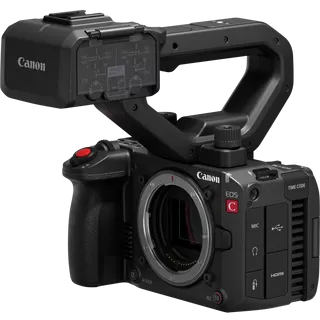 EOS C50
Latest firmware Oct 20, 2026
EOS C50
Latest firmware Oct 20, 2026
-
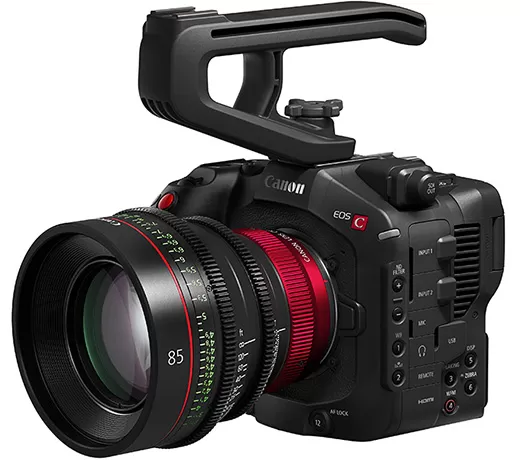 EOS C80
Latest firmware Oct 20, 2026
EOS C80
Latest firmware Oct 20, 2026
-
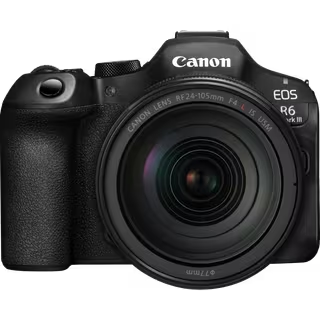 EOS R6 Mark III
Latest firmware Oct 13, 2026
EOS R6 Mark III
Latest firmware Oct 13, 2026
-
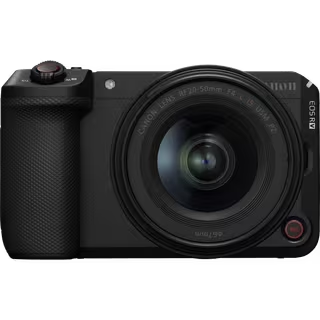 EOS R6 V
Latest firmware Oct 13, 2026
EOS R6 V
Latest firmware Oct 13, 2026
-
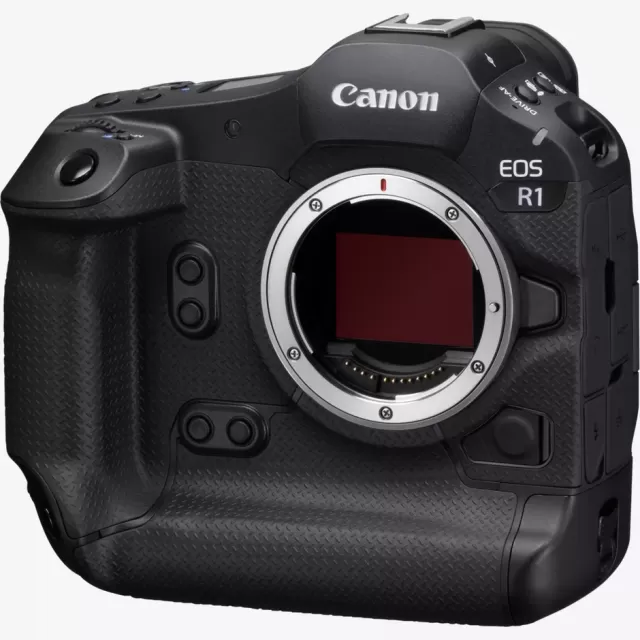 EOS R1
Latest firmware Sep 8, 2026
EOS R1
Latest firmware Sep 8, 2026
Lenses that fit the EOS R50 V
Matched on lens mount from the imported specifications — firmware for these is tracked too.